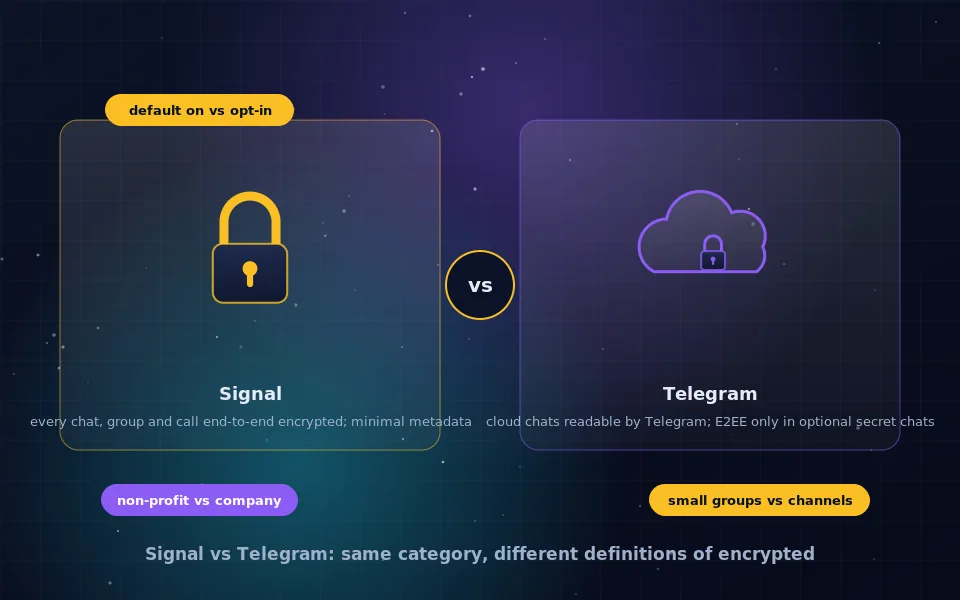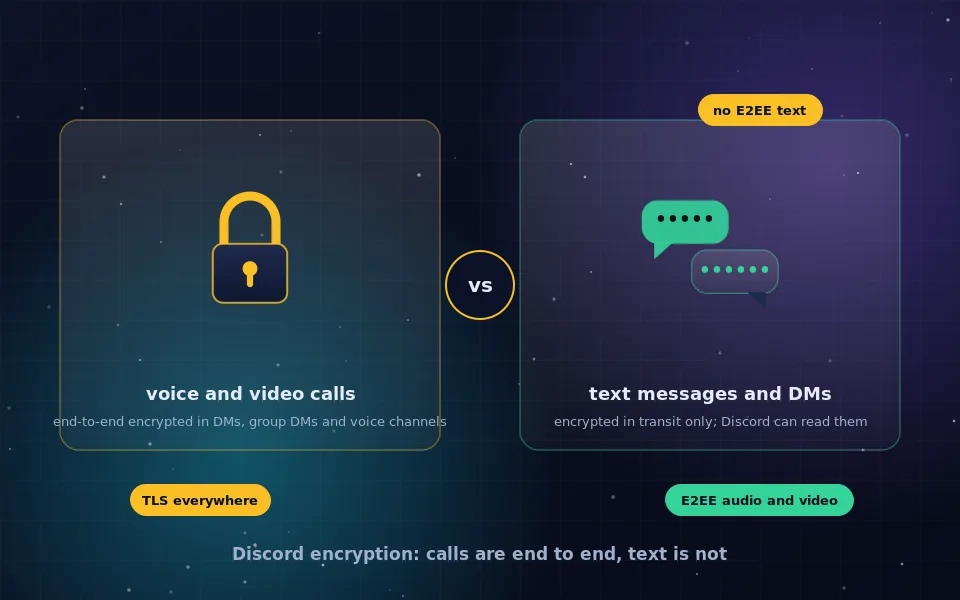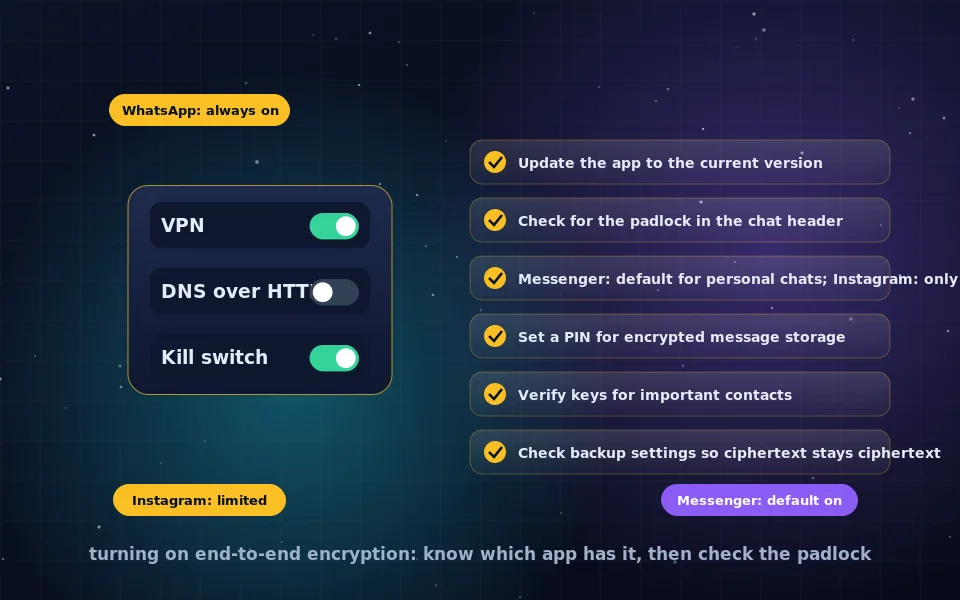
In WhatsApp, end-to-end encryption is always on and cannot be disabled. In Messenger, personal one-to-one and group chats are end-to-end encrypted by default in current versions, so turning it on means updating the app and confirming the padlock in the chat header. In Instagram, end-to-end encrypted chats have been offered only as an opt-in feature in limited regions, and most Instagram messages are not end-to-end encrypted. A chat that shows end-to-end encryption off is one where Meta holds the keys and can access the content.
Meta owns three of the most used messaging services and treats encryption differently in each, which produces most of the confusion behind this search. This guide explains what each app encrypts by default, how to turn on end-to-end encryption where it is optional, why a chat may show encryption as off, how to verify and protect encrypted chats, and what remains visible to Meta regardless.
What end-to-end encryption means here
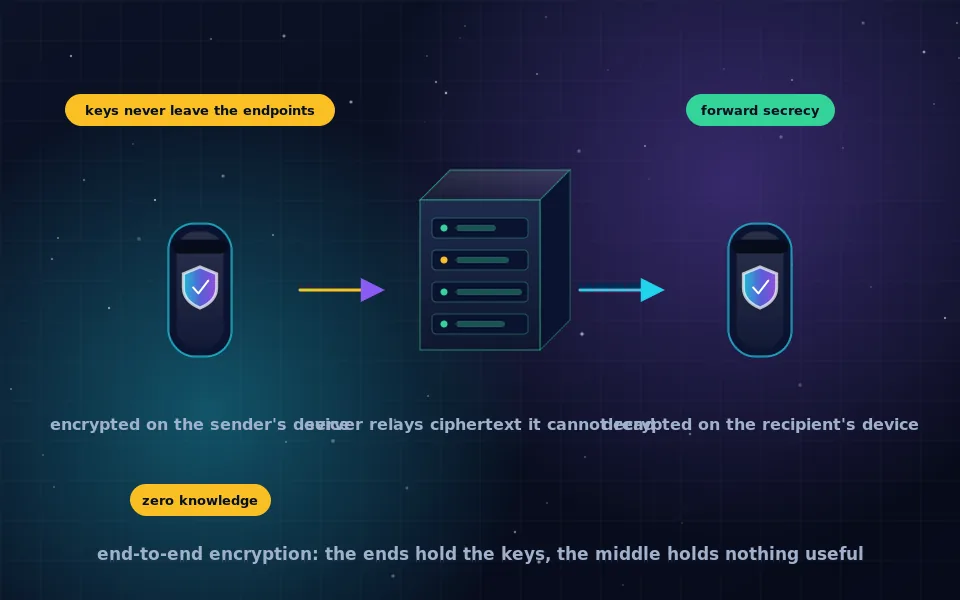
End-to-end encryption means the content of your messages is encrypted on your device and decrypted only on the recipient's, with Meta's servers relaying ciphertext they cannot read. The end-to-end encryption guide on this site explains the mechanism. Everything in Meta's apps that is not end-to-end encrypted is still encrypted in transit and at rest, which protects against outsiders on the network but leaves Meta able to read content.
WhatsApp: always on
WhatsApp has encrypted all personal messages, calls, photos, videos, voice notes and status updates end to end by default for years, using an implementation of the same protocol family as other modern messengers. There is no setting to turn it off. Two things are worth checking.
Backups to iCloud or Google Drive are not end-to-end encrypted unless you enable the encrypted backup option in the app's chat settings, protected by a password or a 64-digit key. Without it, your chat history sits in the cloud readable by the cloud provider and anyone who obtains your cloud account.
Business chats may work differently. When you message a business that uses a third-party provider to manage its WhatsApp, the business's provider can read messages, and WhatsApp indicates this in the chat. Personal conversations are unaffected.
Messenger: default on for personal chats
Messenger originally offered encryption only through opt-in secret conversations. It has since rolled out end-to-end encryption by default for personal one-to-one chats and group chats. In a current version of the app, open any personal chat and look for the padlock icon next to the name or in the chat header; tapping the name shows the chat's encryption status and verification details.
To turn on end-to-end encryption in Messenger if a chat does not show it:
- Update Messenger and the Facebook app to the latest version on every device you use.
- Open the chat and check the header for the padlock. If the chat is still unencrypted, the other participant may be on an outdated app or web version; ask them to update.
- If your account has not yet been migrated, the app prompts you to set up secure storage, protected by a PIN, which holds your encrypted message history so it can be restored on new devices without Meta being able to read it. Complete that setup.
- For chats that remain unencrypted, such as those with business pages or Marketplace, there is no option; those chat types are not end to end.
On the web, Messenger in a browser supports end-to-end encrypted chats only when the browser session has been set up with your secure storage PIN; otherwise encrypted chats are unavailable there.
Instagram: limited and opt-in
Instagram introduced end-to-end encrypted direct messages as an opt-in test in some regions and has changed availability since. If your account has the feature, open a chat, tap the participant's name to reach the chat details, and look for an option to start an end-to-end encrypted chat or a lock icon. If no option appears, encrypted chats are not available to you, and Instagram direct messages are not end-to-end encrypted by default. Treat Instagram DMs as readable by Meta unless a specific chat shows the encryption indicator.
Why a chat shows end-to-end encryption off
The message that end-to-end encryption is off, or the absence of a padlock, appears for a handful of reasons.
- The chat type is not eligible: business accounts, bots, Marketplace, community chats and some group types are not encrypted end to end.
- A participant is using an outdated app, a web session without secure storage, or a platform where encryption is not yet supported.
- Your account has not completed the encryption migration and secure storage setup.
- On Instagram, the feature is not available to your account or region.
- The conversation began as a legacy unencrypted thread and has not been upgraded; starting a fresh chat may resolve it.
Whatever the cause, off means Meta can access that content. If the conversation matters, move it to a chat that shows the padlock, or to a dedicated encrypted messenger as the messaging guides on this site describe.
Verifying and protecting an encrypted chat
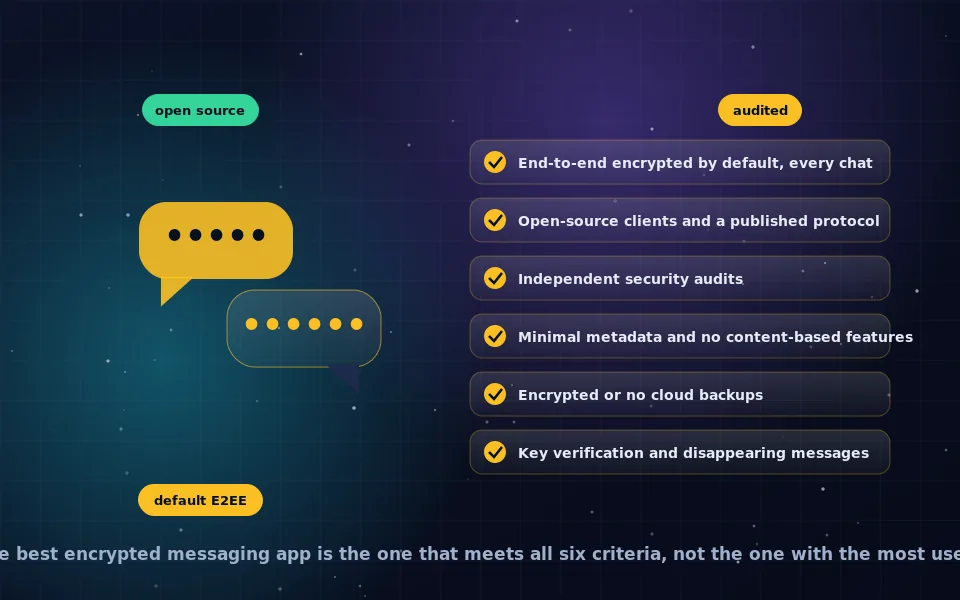
Turning on encryption is the first step; these make it meaningful.
- Verify keys for important contacts. In the chat's encryption details, each participant has a key or safety code. Compare it with them in person or over a call to confirm no one substituted keys.
- Set and remember your secure storage PIN in Messenger, and enable encrypted backups in WhatsApp. Without these, your history is either unrecoverable or readable in the cloud.
- Review linked devices. Encrypted chats are decrypted on every device linked to your account, including web sessions. Remove any you do not recognise.
- Turn off message previews on the lock screen, since a locked phone otherwise displays decrypted content.
- Consider disappearing messages for sensitive threads; encryption protects content in transit and storage, not once it sits on a device indefinitely.
What remains visible to Meta
End-to-end encryption protects message content. Meta still knows your account identity, phone number, contacts, who you message, when, how often, from which devices and network addresses, and your profile and group memberships. Content you share with features outside the encrypted chat, such as stories or comments, is not covered. Meta's stated data practices describe using this metadata across its services. If the concern is that Meta knows who you communicate with, encryption does not address it, and the anonymity guides on this site cover what does.
What Meta and independent reviewers say
The description above follows Meta's published documentation and the assessments of people who have examined its apps.
Meta's help documentation describes WhatsApp as end-to-end encrypted by default with optional encrypted backups, Messenger personal chats as end-to-end encrypted by default following a phased rollout with secure storage protected by a PIN, and Instagram encrypted chats as available to limited accounts.
Independent security reviewers have confirmed that WhatsApp's and Messenger's end-to-end encryption uses a well-studied protocol, while noting that unencrypted backups, linked devices and metadata collection are the practical gaps users should address.
Digital-rights organisations have documented that Instagram direct messages are largely unencrypted end to end and recommend dedicated encrypted messengers for conversations where confidentiality matters.
Check each app today
Open WhatsApp and enable encrypted backups. Open Messenger, confirm the padlock on your chats and set your secure storage PIN. Open Instagram and assume DMs are readable unless a chat shows otherwise. Then move anything that truly needs confidentiality to a chat that is encrypted by default and verified, and the rest of this section will help you pick which.
Frequently asked questions
How do I turn on end-to-end encryption in Messenger?
Personal one-to-one and group chats in Messenger are end-to-end encrypted by default in current versions, so there is usually nothing to turn on. Update the app, open a chat and look for the padlock indicator in the header. Older versions offered encryption as an opt-in secret conversation.
How do I turn on end-to-end encryption on Instagram?
Instagram offered end-to-end encrypted chats as an opt-in feature in limited regions and has changed availability over time. Check the chat's information screen for an encryption option; if none appears, encrypted chats are not available to your account, and Instagram DMs are not end-to-end encrypted by default.
What does end-to-end encryption off mean?
The chat is protected in transit and at rest but the provider holds the keys and can access the content. It appears where encryption is optional and not enabled, where a participant's app is outdated, in business or bot conversations, or in chat types the app does not encrypt end to end.
Is WhatsApp end-to-end encrypted?
Yes, all personal messages and calls in WhatsApp are end-to-end encrypted by default and this cannot be turned off. Backups are only end-to-end encrypted if you enable encrypted backups in settings; otherwise cloud backups can be read by the cloud provider.
Can Meta read my end-to-end encrypted messages?
Not the content of a chat that is genuinely end-to-end encrypted. Meta still sees metadata such as who you message, when and from where, and account information. Content shared through unencrypted features, business chats or unencrypted backups is not protected.
Last reviewed and updated on . Plain text version: /encryption/turn-on-end-to-end-encryption.txt.