The plain answer
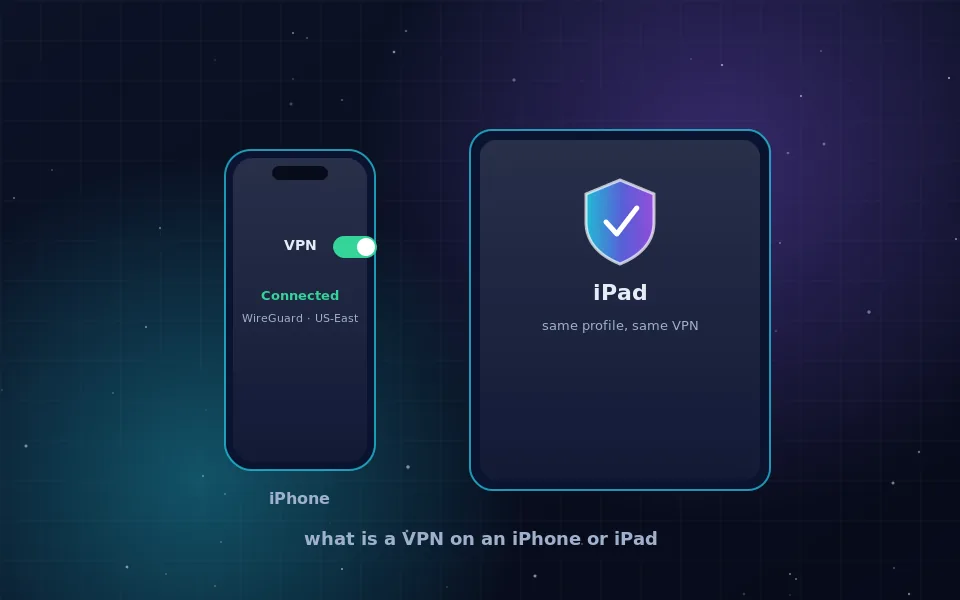
A VPN on an iPhone is an encrypted tunnel from the phone to a server run by the VPN company. Once it is connected, every app on the phone sends its traffic through that tunnel, so websites and services see the server's address instead of yours, and the Wi-Fi or mobile network you are on sees only encrypted data. What is a VPN in an iPhone in practice: a switch in Settings that reroutes the whole device.
Apple built the framework, so any VPN app you install plugs into the same place. That is why the switch appears under Settings, VPN, regardless of which provider you use, and why you can turn the connection on and off there without opening the app.
How the VPN switch in Settings works
When you install a VPN app and connect for the first time, iOS asks for permission to add a VPN configuration. That configuration is a profile that tells the system which server to reach and which protocol to use. From then on:
- Settings, VPN lists the profile and shows a Connected or Not Connected status.
- A VPN badge appears in the status bar or Control Center while the tunnel is up.
- The app can enable on-demand rules, so the tunnel connects automatically on Wi-Fi networks you have not marked as trusted.
- If the app supports a kill switch, iOS blocks traffic outside the tunnel when the connection drops rather than letting apps fall back to the open network.
Deleting the app removes the profile. You can also remove it manually under Settings, General, VPN and Device Management, which is useful if an old provider left one behind.
What a VPN for iPad adds or changes
Nothing at the system level. iPadOS uses the same VPN framework as iOS, the same apps run on both, and a subscription usually covers several devices. The differences are about how the device is used. A Wi-Fi-only iPad spends more time on shared networks, so the encryption between the device and the server is the more valuable half of the feature. A cellular iPad behaves like a large iPhone.
If you have both devices, install the same provider on each and sign in with the same account. Providers with a free tier, Proton VPN among them, typically allow one device at a time on the free plan and several on paid plans; the current limits are on their sites.
Choosing an app for iPhone and iPad
The App Store lists hundreds of VPN apps, and most of them are the risk rather than the protection. Apply the same test to any of them:
- The company publishes a no-logs policy that names the data it does not store.
- The policy has been audited by a named firm and the report is public.
- The app uses WireGuard or OpenVPN rather than a proprietary protocol.
- The app includes a kill switch or always-on option.
- The company can be named, along with the country where it is registered.
Two providers that pass this test on the public record are Proton VPN, whose iOS app and free tier are described at protonvpn.com, and Mullvad, whose account-number-only app is described at mullvad.net. The no-logs guide explains how to read those policies yourself.
Proton VPN and Mullvad on iPhone
Since these two names come up in most searches about iPhone VPNs, a short summary of what their public pages say. Proton VPN's iOS app supports WireGuard, includes a kill switch, and works with the free plan, which limits server locations and speed but runs under the same audited no-logs policy as the paid plans. The company states that the app has been audited alongside its other clients.
Mullvad's iOS app also uses WireGuard and needs no email address; you generate an account number and pay for time. There is no free tier. Both apps install the same kind of profile described above and both appear in Settings, VPN once configured. Check the vendors' own pages for current details, because app features are updated regularly.
What a VPN on your iPhone does not hide
A VPN changes the address that networks and sites see. It does not change anything above that layer:
- Apps you are signed in to still know who you are.
- Location Services still reports your GPS position to apps that have permission.
- Your carrier still knows your phone number and account, and sees an encrypted connection to a VPN server.
- Push notifications and some Apple services may route outside the tunnel, as Apple documents.
If the goal is only to hide your address from websites, the two built-in switches described in hide your IP address on iPhone may be enough and need no app at all.
Set it up once, then forget it
Install one app whose policy you have read, allow it to add the profile, connect, and turn on the on-demand rule for untrusted Wi-Fi. Then verify with a what is my IP search in Safari that the address changed. From that point the VPN switch in Settings does its job with no further attention, and you can read the VPN safety guide whenever you want to understand the trade-offs in more depth.
Guides worth reading next
- How to hide your IP address on an iPhoneThree ways to hide your IP address on an iPhone: Safari's built-in relay, the Limit IP Address Tracking switch and a VPN app. Steps for every recent iPhone model.
- Are VPNs safe? An honest answer for ordinary usersAre VPNs safe to use? They move your trust from your ISP to one company. Learn the real risks, how to judge a provider, and whether Proton VPN and free VPNs hold up.
- VPN provider no logs: what the claim means and how to check itWhat a VPN provider with no logs must not record, how to read a no-logs policy, what audits and court cases prove, and where free no-logs VPNs fit in.
- How to hide your IP address, step by stepLearn how to hide your IP address with a VPN, Tor, a proxy or your browser's built-in relay, what each method really conceals, and how to verify it worked.
Frequently asked questions
What is a VPN for iPad and is it different from the iPhone version?
It is the same system feature. iPadOS shares the VPN framework with iOS, so the same apps, the same Settings entry and the same configuration profiles work. The only practical difference is that most iPads are on Wi-Fi only, so the hotel or cafe network case matters more.
Does Proton VPN work on iPhone?
Yes. Proton VPN publishes an iOS app on the App Store that supports WireGuard and includes a kill switch and a free tier. Download it from the App Store link on protonvpn.com and check the current feature list there, since app capabilities change between versions.
Is Proton VPN free on iPhone?
Proton VPN has a free plan that works in the iPhone app with a limited set of servers and no speed guarantee. It runs under the same no-logs policy as the paid plans. The current limits of the free tier are listed on protonvpn.com.
Can I use Mullvad VPN for iPhone?
Mullvad publishes an iOS app that uses WireGuard and requires only an account number, no email. It has no free tier. Details and the App Store link are on mullvad.net.
Should I leave the VPN on all the time on my iPhone?
For public Wi-Fi, yes. At home the benefit is smaller and some apps, such as banking or streaming, may complain about the changed location. Most apps offer an always-on or on-demand rule that connects automatically on untrusted networks, which is a sensible middle ground.
Last reviewed and updated on . Plain text version: /vpn/category/ios-iphone-ipad.txt.