The short answer
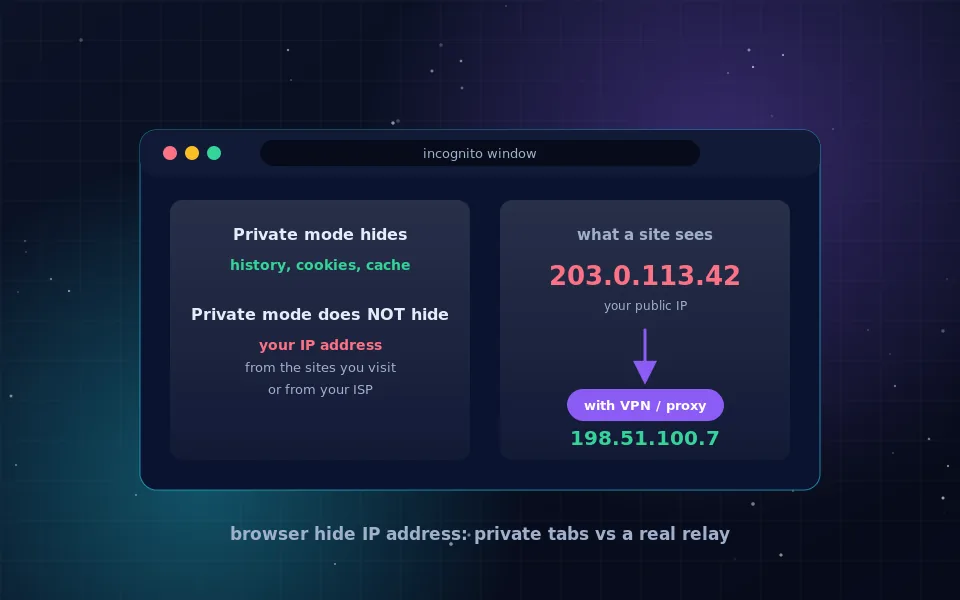
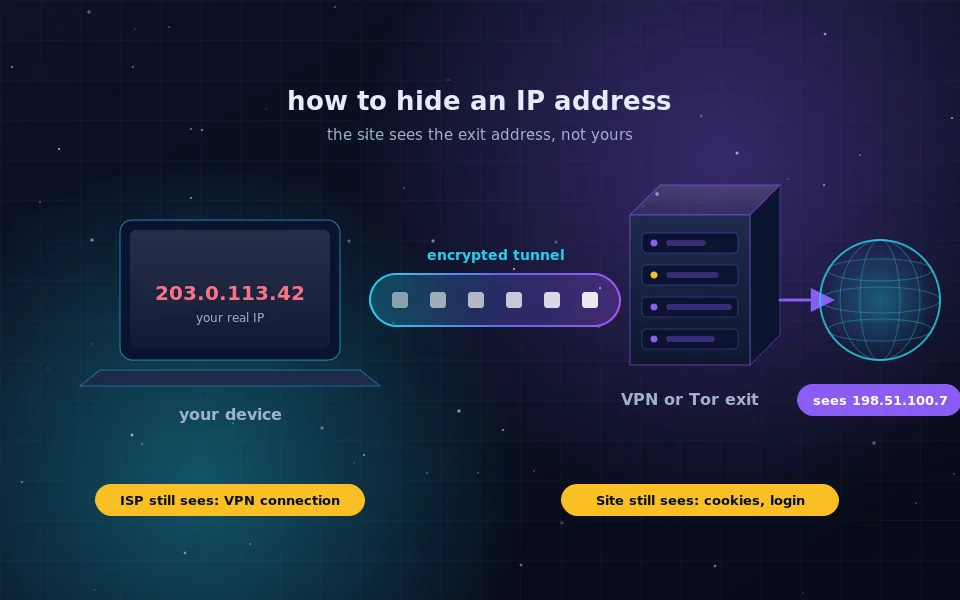
You hide your IP address by sending your traffic through another computer first, so that websites record that computer's address instead of yours. In practice that means one of five tools: a VPN, Tor Browser, a browser-level relay such as iCloud Private Relay, a proxy extension, or a mobile network hop. Each one hides your address from a different set of observers, and none of them hides you from everyone.
If you only want a recommendation, install a VPN from a provider with an audited no-logs policy, turn on its kill switch, and verify your new address with a what is my IP search. The rest of this guide explains how to hide your IP address with each method, what it costs you in speed or convenience, and how to confirm it actually worked.
What your IP address gives away
An IP address is assigned by your internet provider or mobile carrier and shared with every server you connect to. On its own it reveals your approximate city, your provider, and whether you are on a home, business or mobile connection. It does not reveal your name, but it links every request you make into one stream that can be tied to your account by the provider that issued it.
Websites use it for geolocation, rate limiting, fraud checks and regional blocks. Advertisers use it as one signal among many to recognise the same household across devices. Anyone who sees your public address can also tell whether two visits came from the same connection, which is why hiding it is the first step in most privacy checklists.
Method 1: a VPN for the whole device
A VPN encrypts everything leaving your device and sends it to one server operated by the VPN company. That server forwards it to the internet with its own address. Every app, not only the browser, gets the new address.
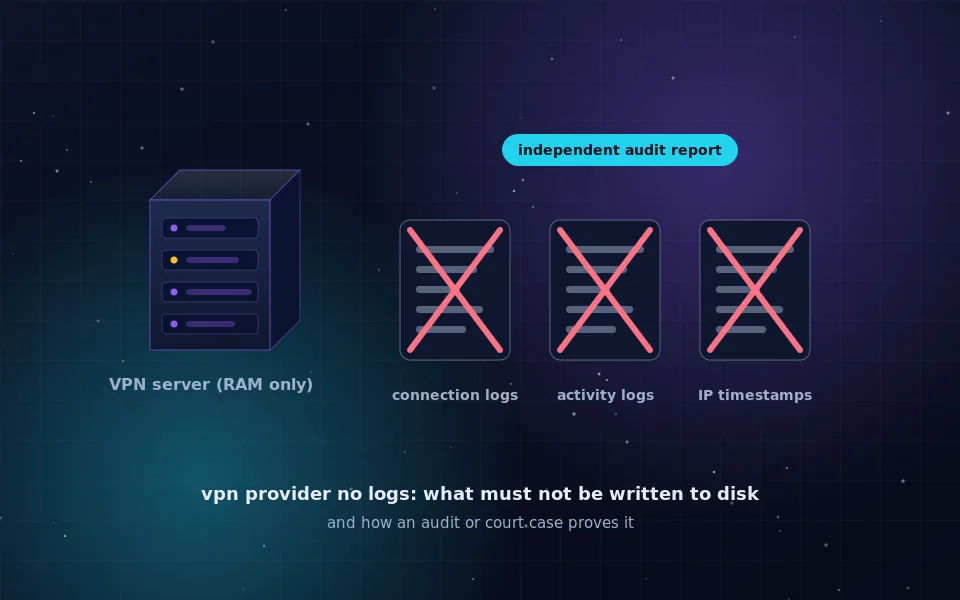
- Choose a provider with a published no-logs policy and at least one independent audit. The no-logs VPN guide explains what to look for.
- Install the official app from the provider's own site or your platform's app store.
- Turn on the kill switch or always-on setting so that traffic stops if the tunnel drops instead of leaking your real address.
- Connect to a server, then confirm the new address with a what is my IP search.
The trade-off is trust. The VPN company can see your traffic destinations, so the whole method depends on the provider keeping no logs and being honest about it. Speed is usually close to your normal connection.
Method 2: Tor Browser for real anonymity
Tor Browser, published by the Tor Project, routes your browsing through three volunteer relays. The first relay knows your address but not your destination, the last relay knows the destination but not your address. It also standardises the browser so that fingerprinting is harder.
Download it only from torproject.org. Open it, connect, and browse inside that window. Tor hides your IP address better than any commercial tool, but it is slower, some sites block Tor exits, and it only covers what you do inside the Tor Browser window. Do not sign in to accounts tied to your real identity if anonymity is the goal.
Method 3: a built-in relay in Safari
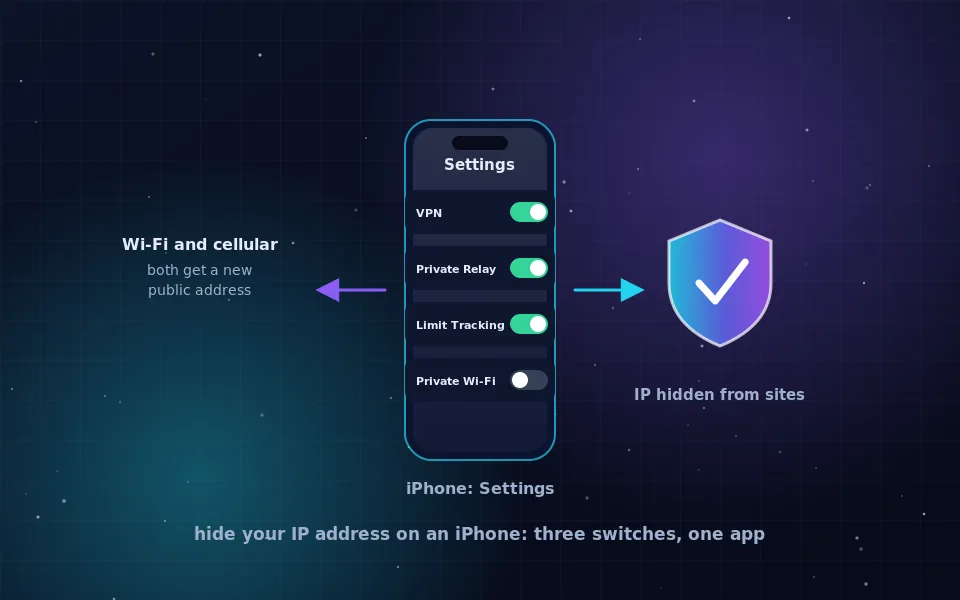
Apple's iCloud Private Relay, available with paid iCloud plans, hides your IP address from websites you open in Safari and from your provider when you are on Safari or using certain app traffic. It uses two separate relays so that no single party sees both your identity and your destination.
You turn it on in Settings under your Apple ID, then iCloud, then Private Relay. It is the least effort of any option, but it covers Safari and some system traffic only, and Apple documents that it cannot be used in every country or by every network. For the iPhone specifics, see hide your IP address on iPhone.
Method 4: a proxy extension for one browser
A proxy extension changes the IP address for the tabs of one browser and nothing else. This is useful when you want your browsing to appear from a different location while your other apps behave normally, for example to test a site's regional version.
Install an extension only from a company whose full VPN app you would also trust; the extension shares the same servers and the same logging policy. The old web-form anonymizers that used to run on this domain belong to this category as well, and the web proxy explainer describes why they are not a safe default.
Method 5: switch networks
Your mobile data connection has a different public address from your home Wi-Fi, and most carriers rotate it regularly. Turning Wi-Fi off and using cellular data, or turning your phone into a hotspot for your laptop, changes the address a site sees without any software.
This is not a privacy tool in the strict sense, because your carrier knows exactly who holds that address. It is simply a quick way to appear from a fresh address, useful when a site rate-limited you or when you want to compare behaviour across two connections.
Which method to choose
Match the observer you care about to the tool:
- Hide from a website only: a proxy extension or a network switch is enough.
- Hide from a website and your provider or Wi-Fi owner: a VPN or Private Relay.
- Hide from a website, your provider and the relay operator itself: Tor Browser.
- Hide your traffic for every app on the device: a VPN with a kill switch.
- Hide your IP for free with a trustworthy operator: Tor Browser, or a free VPN tier that shares the paid product's audited policy.
Verify it worked
Hiding your IP address is only useful if it actually happened. A two-minute check catches most misconfigurations:
- Before connecting, search what is my IP and write down the address and the city shown.
- Connect your VPN, Tor Browser or relay, then repeat the search in the same browser. The address and location should be different.
- Run a DNS leak test on a site of your choice. All resolvers shown should belong to your VPN provider or to Tor, not to your home provider.
- In a desktop browser, run a WebRTC leak test. If your original address appears, disable WebRTC in the browser or enable the VPN's WebRTC protection.
- Turn Wi-Fi off and on with the VPN connected. If the real address appears for a moment, the kill switch is not working.
If any step shows your original address, fix that before relying on the tool. A half-working setup is worse than none because it gives false confidence.
What hiding your IP address does not do
Hiding your address changes one identifier. It does not log you out of Google, remove tracking cookies, or make your browser look like anyone else's. A site that you sign in to knows who you are regardless of your address. Payment details, phone numbers and reused usernames link sessions together far more reliably than an IP address does.
Public documentation from browser vendors and from the Tor Project makes the same point in different words: address hiding is one layer, and it should sit alongside a private browser profile, minimal extensions and separate accounts for separate purposes. Treat the IP address as the easiest layer to fix, not the only one.
Start with one deliberate change
Most people who ask how can I hide my IP address need a VPN with a kill switch for daily use and Tor Browser for the rare moments when anonymity really matters. Set up the first today, verify it with the checklist above, and keep Tor Browser installed for when you need it. Everything else in the privacy toolkit builds on that foundation.
Frequently asked questions
How can I hide my IP address for free?
Tor Browser is free, run by a non-profit and hides your IP address from every site you open inside it. Apple's iCloud Private Relay is included with paid iCloud plans and covers Safari. Free VPN tiers from providers with audited no-logs policies also work, but check that the free tier belongs to the same company and policy as the paid product.
Do VPNs hide your IP address completely?
A working VPN replaces your public IP address with the VPN server's address for every app on the device. It does not hide the fact that you are using a VPN from your internet provider, and it does not stop a website from recognising you through a login, cookies or browser fingerprinting.
Does hiding my IP address make me anonymous?
No. It removes one identifier out of many. Accounts, cookies, device fingerprints and behaviour patterns can still identify you. Hiding your IP is a good first layer, and Tor Browser adds several more layers, but no tool promises complete anonymity.
Can my internet provider still see what I do if I hide my IP?
With a VPN or Tor, your provider sees an encrypted connection to one server and the amount of data moved, not the sites you visit. With a plain web proxy or a browser extension that uses unencrypted HTTP, the provider may still be able to read your traffic.
How do I check whether my IP address is hidden?
Open a search engine and type what is my IP before you connect, note the address, connect your VPN or open Tor Browser, and check again. If the address and location changed and no DNS or WebRTC leak test shows your original address, the tool is working.
Last reviewed and updated on . Plain text version: /hide-ip-address.txt.