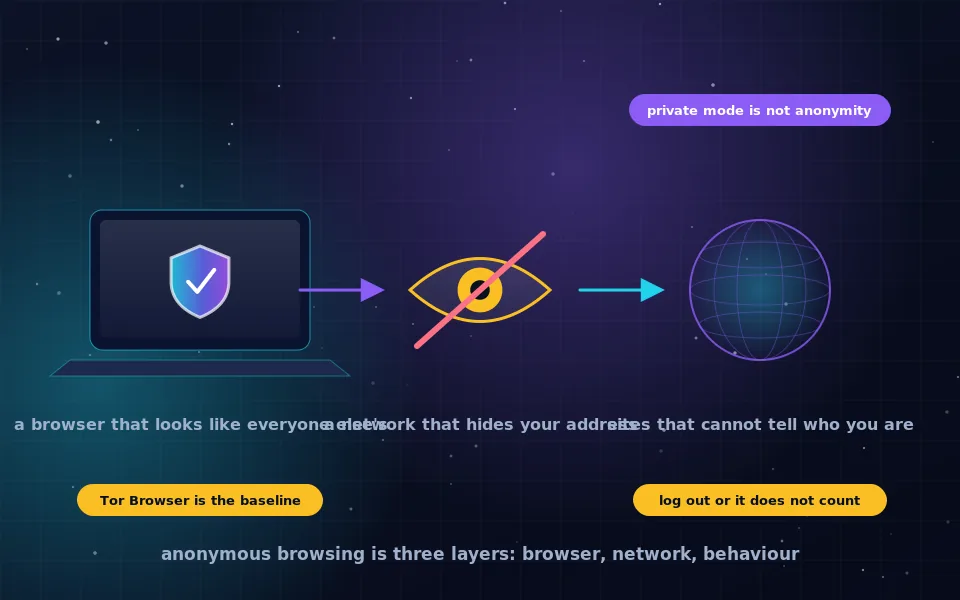
Anonymous web browsing means the sites you visit cannot identify you and the network you are on cannot see what you visit. To achieve it, use Tor Browser, which hides your IP address through the Tor network and makes your browser look identical to every other Tor user's, and do not log in to personal accounts or otherwise identify yourself while browsing. Private or incognito mode does none of this.
The phrase covers a range of needs, from not wanting advertisers to follow you to needing a repressive government not to know what you read. The tools scale to match, but the structure is the same at every level: a browser that does not give you away, a network path that hides your address, and behaviour that does not undo the first two. This guide explains why the usual shortcuts fail, what the best anonymous browser actually does, how the options compare, and the habits that separate anonymous browsing from browsing that merely feels anonymous.
What anonymity means when you browse
Three parties can learn about you when you load a page.
The website learns your IP address, which reveals your approximate location and internet provider, and your browser's characteristics, which together often identify you uniquely. If you log in, it learns exactly who you are.
Your network, meaning your internet provider or the operator of the Wi-Fi you are using, learns which sites you connect to through DNS lookups and connection metadata, even though HTTPS hides the pages themselves.
Third parties embedded in pages, such as advertising and analytics networks, learn everything the website does and link it across every site they are embedded in.
Anonymous browsing means none of these can tie the activity to you. That is a different and stronger claim than "my browser did not save the history".
Why private mode is not anonymous
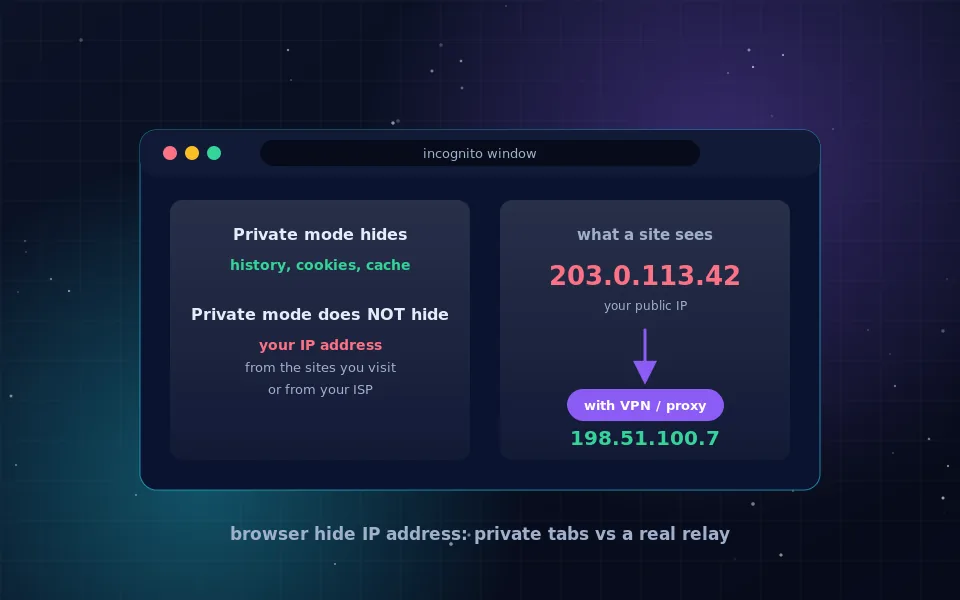
Every browser has a private or incognito mode, and its name misleads people constantly. Private mode stops the browser from storing history, cookies and form data on your device after the window closes. That protects you from someone who later uses the same computer.
It does nothing about the three parties above. Websites see your real IP address. Your network sees your connections. Your browser fingerprint is unchanged, so trackers recognise you. If you log in, the site knows who you are. Private mode is a local housekeeping feature, useful for shared computers, unrelated to anonymity. Browser vendors have been made to clarify this in their own descriptions, and it remains the most common misunderstanding in this area.
The best browser for anonymous browsing
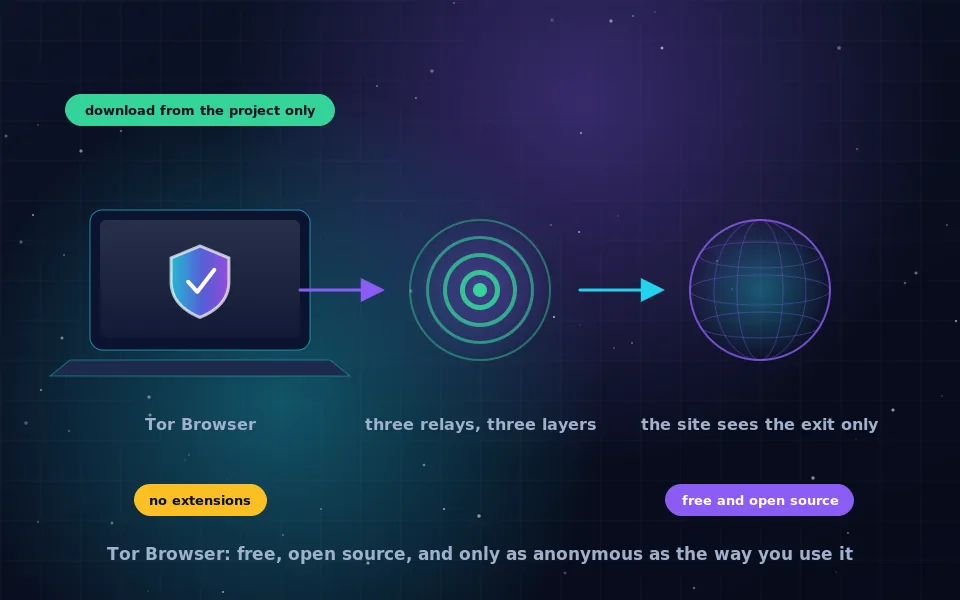
Tor Browser is the answer, and it is the answer because of two things it does that no mainstream browser does by default.
First, it sends every connection through the Tor network, three volunteer relays that separate your address from your destination. Websites see a Tor exit's address; your network sees only an encrypted connection to Tor. The onion routing guide on this site explains the mechanism.
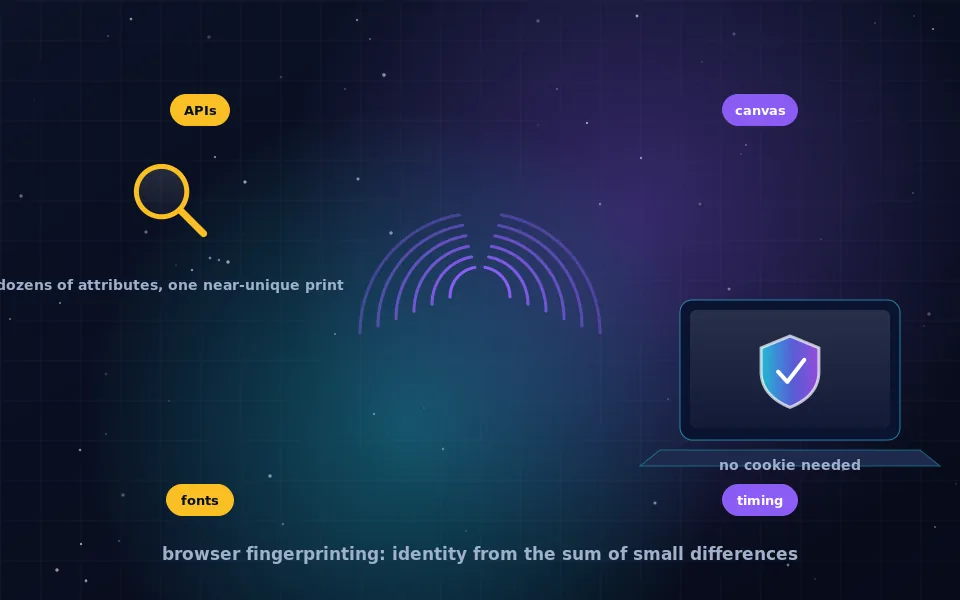
Second, it is configured so that all Tor Browser users look the same. Same reported screen size, same fonts, same behaviour for scripts and cookies, no extensions. Fingerprinting works by finding what is unique about your browser; Tor Browser's defence is to be unremarkable in a crowd of millions. That is why the project tells users not to customise it.
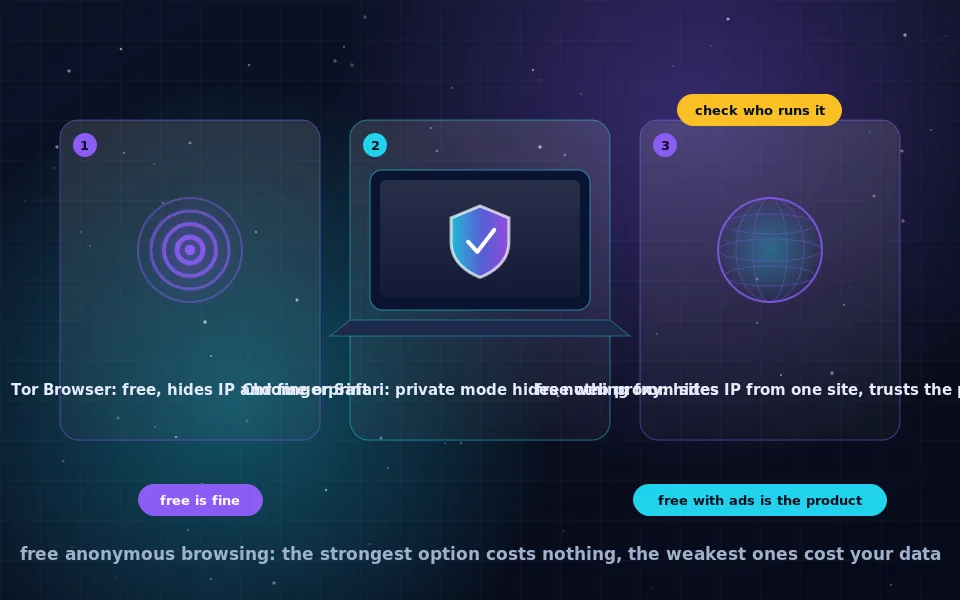
Other browsers marketed as private or anonymous typically block trackers and reduce fingerprinting, which is good for everyday privacy, but they still connect from your real IP address and are not designed to be indistinguishable from each other. They are privacy browsers. Tor Browser is an anonymity browser. The distinction matters, and the guide on hiding your IP address in a browser on this site compares options for the less demanding case.
Levels of anonymous browsing
Not every task needs the full setup. Match the level to the need.
- Reduce tracking. A privacy-focused browser with tracker blocking and strict cookie settings, plus a private search engine. Your IP address is still visible; advertisers see less. Adequate for everyday life.
- Hide your IP address from sites. A trusted VPN on top of level one. Sites see the VPN server; the VPN provider sees you. Adequate for keeping your location out of site logs.
- Anonymous to sites and to your network. Tor Browser, not logged in to anything personal. Adequate for reading, researching and communicating without being identified by realistic observers.
- Anonymous even if the browser is compromised, leaving no trace. Tor Browser inside Tails or Whonix, as the anonymity system guides on this site describe. For situations where the cost of failure is severe.
Most people asking how to browse anonymously want level three, and it is free and takes five minutes to set up.
The habits that make it anonymous
The browser and network handle the technical part. These habits handle the part that identifies most people who get identified.
- Do not log in to personal accounts. A session logged in as you is you. Use Tor Browser for the browsing you want separated and a normal browser for your accounts, never both for the same identity.
- Do not customise Tor Browser. No extensions, no resizing beyond what it allows, no settings changes except the Security Level.
- Do not open downloaded files while connected. Documents can fetch content over your normal connection and reveal your address.
- Do not mix identities in time. Logging in to a personal account in one browser while doing anonymous work in another on the same network at the same moment creates a correlation.
- Watch what you type. Personal details, distinctive phrasing, and information only you would know identify you regardless of routing.
- Use HTTPS and onion services. The Tor exit can read plain HTTP.
- Accept some friction. Tor is slower and some sites block it. Requesting a new circuit usually helps; giving up and switching to your normal browser undoes everything.
Anonymous browsing on phones
Phones are weaker platforms for anonymity because the device itself is identified by its SIM card, its accounts and its always-connected apps. Tor Browser for Android and Onion Browser for iPhone provide anonymous browsing within the app, and the iPhone guide on this site covers the limits. For anything where being identified would matter greatly, use a laptop.
What the Tor Project and researchers have found
The advice here reflects what the developers of anonymity tools and the researchers who study them have said.
The Tor Project's documentation describes Tor Browser's two-part design, network anonymity plus browser uniformity, and repeatedly warns that logging in to accounts or modifying the browser defeats it.
Browser-fingerprinting researchers have shown that a typical browser is unique among millions based on its reported characteristics alone, which is the empirical basis for Tor Browser's approach of making all users identical rather than trying to block each tracking technique.
Digital-rights organisations that document how anonymous users have been identified in practice report that logins, reused usernames, personal details in content and timing correlations account for most cases, with the network layer rarely being the point of failure.
Start browsing anonymously today
Download Tor Browser from the Tor Project, open it, and use it for the browsing you want kept apart from your identity, logged out of everything. Keep your normal browser for your normal life. That single separation, maintained consistently, is most of what anonymous browsing is, and the rest of the guides on this site fill in the details.
Frequently asked questions
What is anonymous browsing?
Browsing in which the websites you visit cannot identify you or your location and the network you are on cannot see which sites you visit. It requires hiding your IP address, making your browser indistinguishable from others, and not identifying yourself through logins or behaviour.
Is incognito or private mode anonymous browsing?
No. Private mode only stops the browser from saving history and cookies on your device. Websites still see your IP address and browser fingerprint, and your network still sees every site you connect to.
What is the best browser for anonymous browsing?
Tor Browser. It routes traffic through the Tor network to hide your IP address and is configured so that every user looks alike, defeating fingerprinting. No other browser does both by default.
Can I be completely anonymous online?
Complete anonymity against every possible observer is not achievable, but anonymity against realistic ones is. Tor Browser, used without logging in to personal accounts and with sensible habits, makes you anonymous to websites and to your network. A determined adversary with broad visibility into the internet is a different problem.
Is anonymous browsing legal?
In most countries, yes. Tor and privacy tools are legal and widely used. Some countries restrict them. Anonymity does not make illegal actions legal.
Last reviewed and updated on . Plain text version: /anonymity/anonymous-browsing.txt.