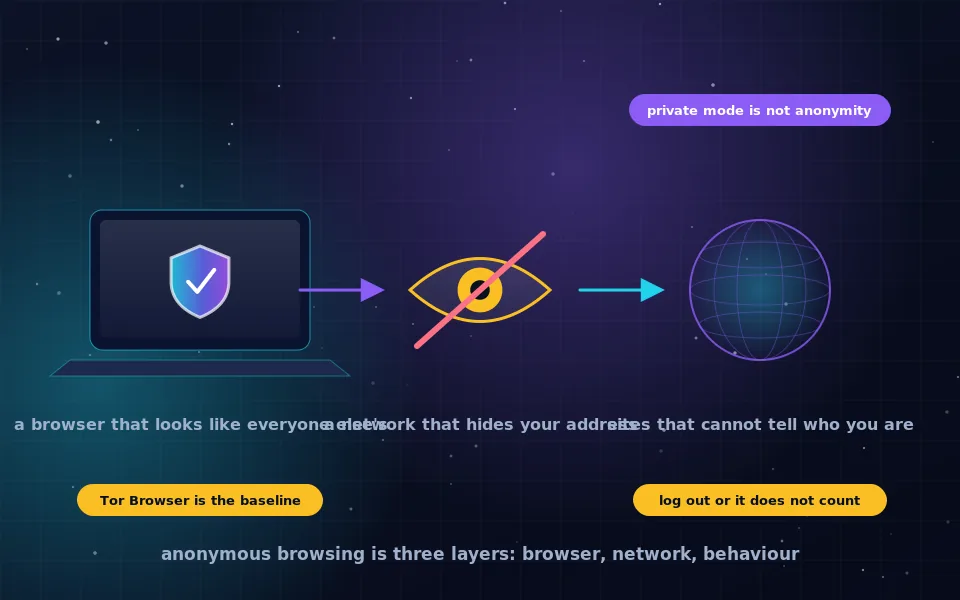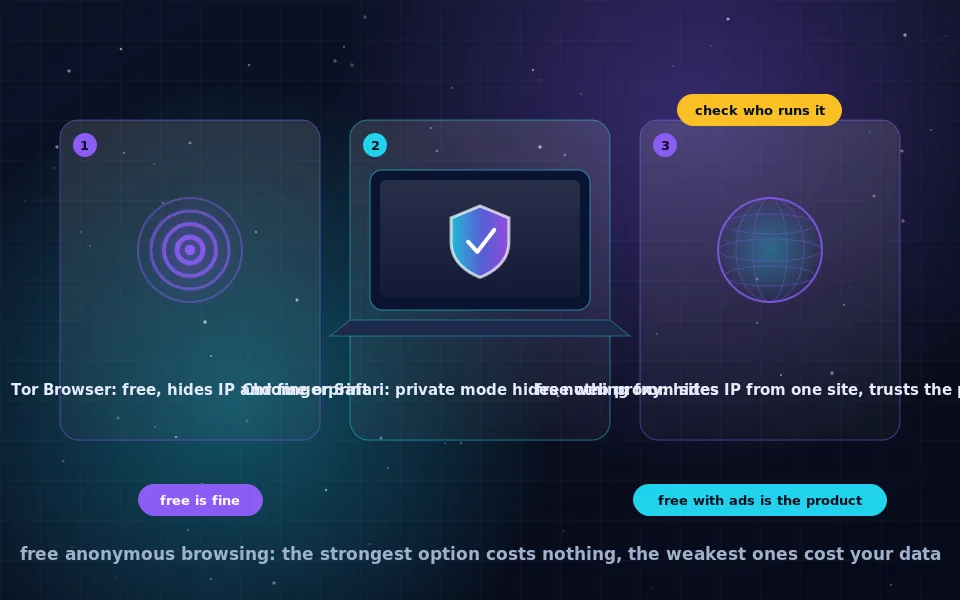
Free anonymous browsing online is genuinely available, and the strongest tool is the free one: Tor Browser, developed by a non-profit and funded without advertising, hides your IP address and makes your browser indistinguishable from other users. Chrome and Safari cannot be made anonymous, though their privacy settings reduce tracking, and free web proxies hide your address from a single site at the cost of trusting the proxy operator.
People searching for free anonymous browsing are often looking for a setting in the browser they already have, or a free service that does the job without installing anything. Both exist in weak forms, and it is worth knowing exactly what they do so you can pick the right one for the moment. This guide ranks the free options by what they hide, explains Chrome and Safari honestly, covers web proxies and free VPN tiers, and finishes with the warning signs that mark a free tool as a bad bargain.
The free options ranked by what they hide
From strongest to weakest, for the goal of not being identified by websites or your network.
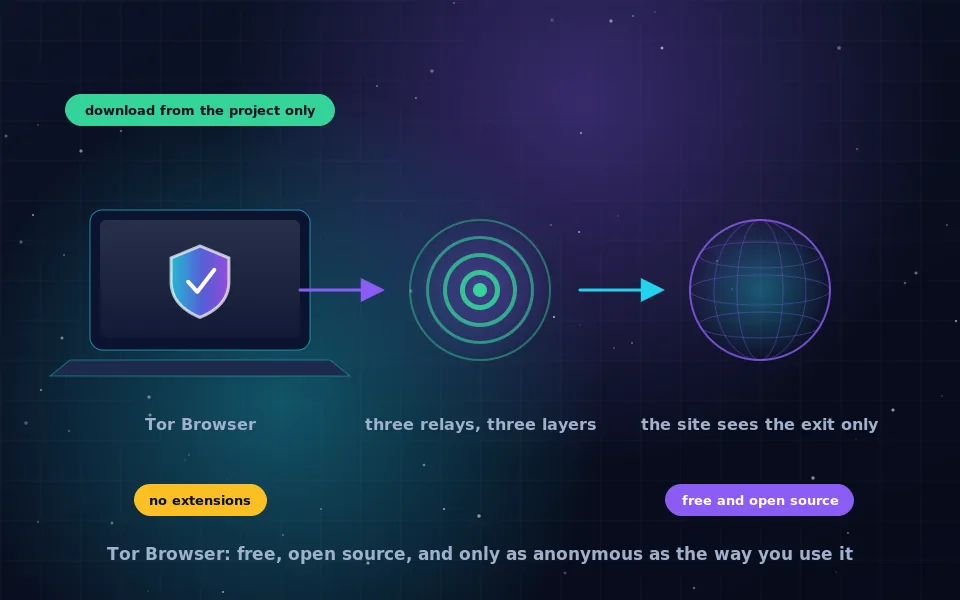
- Tor Browser. Hides your IP address from sites, hides your destinations from your network, and defeats fingerprinting by making all users look alike. Free, open source, no account. The baseline for anonymous browsing.
- Tor Browser inside Tails. Same protections plus a system that leaves no trace and cannot leak around Tor. Free, requires a USB stick and a reboot. For high-stakes situations.
- Free tier of an audited paid VPN, plus a privacy browser. Hides your IP address from sites and your destinations from your network; the VPN provider sees both. Reduces tracking. Not anonymity.
- A reputable free web proxy. Hides your IP address from the one site you visit through it; the proxy sees everything; your network sees the proxy. Not anonymity.
- Chrome or Safari with privacy settings and a content blocker. Reduces tracking. Your IP address is visible to sites; your network sees your destinations. Privacy, not anonymity.
- Private or incognito mode alone. Hides nothing from sites or your network. Only clears local history.
If your need is real anonymity, only the first two qualify, and both are free.
Anonymous browsing in Chrome
Chrome cannot be made anonymous, and it is worth being clear about why rather than offering tricks. Chrome's incognito mode stops history and cookies being saved locally and nothing else; Google's own descriptions of it say as much. Chrome is built by an advertising company, integrates with your Google account throughout, and its fingerprint is as identifiable as any browser's.
What you can do in Chrome is reduce tracking: block third-party cookies, turn off ad topics and measurement features in settings, disable pre-loading, and install a reputable content blocker. Add a trusted VPN and websites see the VPN's address. That is a reasonable everyday privacy setup. It is not anonymous browsing, and no extension makes it so. For anonymity, install Tor Browser alongside Chrome and use it for the browsing you want kept separate.
Anonymous browsing in Safari
Safari is better than Chrome for privacy out of the box and equally not anonymous. Private Browsing stops local history and cookies and, on recent versions, adds some protections against tracking and fingerprinting within the private window. Intelligent Tracking Prevention limits cross-site tracking. Hide My Email and Mail Privacy Protection protect email-based tracking.
iCloud Private Relay, included in paid iCloud plans, is the one Safari feature that hides your IP address from websites and your destinations from your network, by sending Safari traffic through two relays. It is a real privacy improvement for Safari users, and it is not an anonymity network: Apple knows who you are, the relay design is not built to resist a determined adversary, and it covers Safari only. The guide on hiding your IP address on an iPhone on this site explains it in detail. For anonymity on a Mac, install Tor Browser; on an iPhone, use Onion Browser as the iPhone guide describes.
Free web proxies
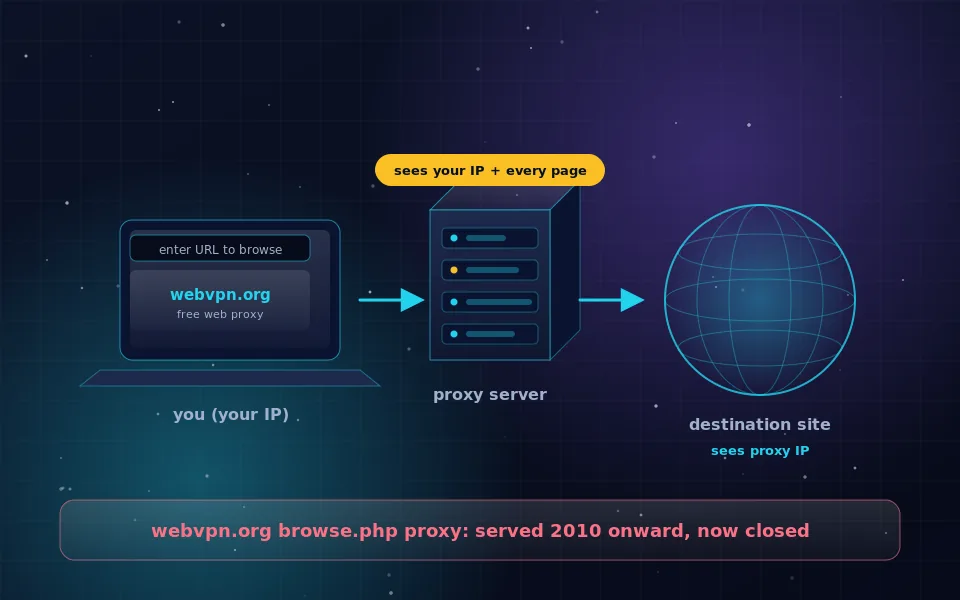
A web proxy is a website with a form: type in an address, and the proxy fetches the page and shows it to you from its own server. The site you are reading sees the proxy's IP address, not yours. This was one of the earliest anonymity tools on the web and this site's own history is tied to it, as the web proxy guide explains.
The limits are inherent. The proxy operator sees every page you load and everything you type into it. Many free proxies inject advertising, some inject worse, and few publish who runs them. Modern sites with logins, scripts and streaming often break. A web proxy is a reasonable tool for reading a page your network blocks or for a quick look at a site without revealing your address. It is not for logins, not for personal information, and not anonymity. Choose one whose operator is identified and whose policy is published, and never enter credentials through it.
Free VPN tiers
Some audited paid VPN providers offer free tiers with limited data or servers and the same no-logs policy as their paid plans. These hide your IP address from websites and your destinations from your network, with the trade-off that the VPN provider sees both. Combined with a privacy-focused browser they make a decent everyday setup and cost nothing.
Standalone free VPN apps, with no paid product behind them, are a different matter: servers cost money, and the money comes from advertising SDKs, data sales or renting out your connection. The free VPN guide on this site explains how to tell the two apart. Neither kind is anonymity; a VPN moves trust from your ISP to the provider.
Warning signs in free anonymity tools
Whatever the category, these mark a free tool as one to avoid.
- It shows advertising inside the tool itself, especially before connecting.
- It asks for permissions or personal details unrelated to its function.
- Its operator is unnamed, or the site has no address and no policy.
- It claims to make you "completely anonymous" or "untraceable" without explaining how.
- It was created recently and is promoted mainly through search ads or affiliate reviews.
- It is a "Tor Browser" from anywhere other than the Tor Project.
Tor Browser passes every one of these tests, which is one more reason it is the recommendation.
What browser vendors and researchers acknowledge
The limits described here are not opinions about the vendors; they follow from what the vendors and independent researchers have stated.
Both Google and Apple describe their private browsing modes as preventing local storage of history and cookies, and both have clarified that these modes do not hide activity from websites, employers or internet providers.
The Tor Project describes Tor Browser as free software funded by grants and donations, and its design documentation explains why browser uniformity plus network anonymity is necessary for anonymous browsing, something no mainstream browser attempts.
Researchers who have examined free proxy and VPN services have found that a significant share inject content, log traffic or embed trackers, and consistently recommend that users prefer tools whose funding does not depend on user data.
Use the free tool that is actually anonymous
If you want anonymous browsing and you want it free, download Tor Browser and use it. Keep Chrome or Safari, with their privacy settings tightened, for everything where you are logged in anyway. Use a web proxy for the occasional blocked page and a free VPN tier from an audited provider if you want your IP address hidden day to day. None of that costs money, and knowing what each one hides is the only expensive part.
Frequently asked questions
Is there free anonymous browsing that actually works?
Yes. Tor Browser is free, open source, funded by a non-profit, and is the strongest tool available for anonymous browsing at any price. Most other free options are either weaker or funded by collecting data.
How do I browse anonymously in Chrome?
You cannot make Chrome anonymous. Incognito mode hides nothing from websites or your network, and Chrome is built by an advertising company with account integration throughout. You can reduce tracking with settings and a content blocker, and hide your IP address with a VPN, but for anonymity use Tor Browser.
Does Safari have anonymous browsing?
Safari has Private Browsing, which stops local history and cookies being saved, and tracking prevention that limits cross-site tracking. iCloud Private Relay, on paid iCloud plans, hides your IP address from sites. None of these make you anonymous to a determined observer; they are privacy features.
Are free web proxies safe for anonymous browsing?
A free web proxy hides your IP address from the site you visit through it, and the proxy operator sees everything you do. It is fine for reading a blocked page, poor for anything involving logins or personal information, and not anonymity. Choose one with a clear operator and a published policy.
What about free VPNs for anonymous browsing?
Free tiers of audited paid VPN providers are acceptable for hiding your IP address from sites. Standalone free VPN apps are usually funded by data or ads and are the opposite of anonymous. A VPN of any kind is not anonymity; the provider sees your traffic.
Last reviewed and updated on . Plain text version: /anonymity/free-anonymous-browsing.txt.