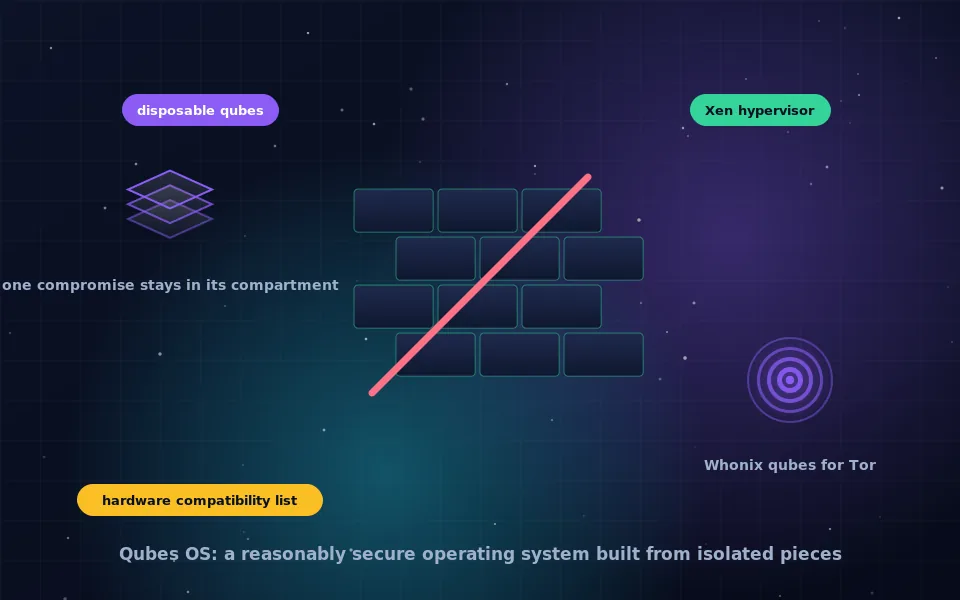
Qubes OS is a free, open-source desktop operating system that isolates everything you do into separate virtual machines, called qubes, using the Xen hypervisor. Personal email, work, banking, untrusted downloads and anonymous browsing each live in their own compartment, so a compromise in one cannot spread to the others. It requires hardware with virtualisation support and at least 16 GB of RAM, is downloaded as an ISO from the Qubes project, and installs like a Linux distribution with full-disk encryption.
Qubes describes itself as a reasonably secure operating system, and the modesty is deliberate: it does not promise perfection, it promises that one mistake will not cost you everything. This guide explains the compartment model, how Qubes relates to Linux, the hardware it requires and how to choose a laptop, where to download it and how to install it, how Qubes-Whonix adds Tor, and what living with Qubes is like.
The compartment model
On an ordinary computer, every program shares one operating system. A malicious attachment opened in one window can read files, capture keystrokes and steal credentials belonging to every other window. Qubes changes that by running each activity in its own virtual machine.
You create qubes by purpose: perhaps "personal", "work", "banking", "untrusted" and "vault", the last with no network at all for storing keys and passwords. Each qube has a colour, and every window's border is drawn in its qube's colour by the trusted administrative domain, so you always know which compartment you are looking at. Copying text or files between qubes requires a deliberate action that the system mediates. Networking goes through dedicated network qubes, and USB devices are handled by a USB qube so that a malicious device cannot attack the core system.
Disposable qubes take the idea further: a fresh, temporary qube opens a suspicious file or link and is destroyed afterwards. Templates supply the base system for many qubes at once, so updates happen in one place.
The result is that a phishing email opened in "untrusted" cannot touch "banking", and a compromised browser in "personal" cannot read the keys in "vault".
Qubes and Linux
People ask whether Qubes is a Linux distro. The core of Qubes is the Xen hypervisor, which runs beneath everything, and a small administrative domain called dom0 that runs a minimal Linux to manage the display and the qubes. The qubes themselves are typically Linux, built from Fedora or Debian templates, and Whonix templates for Tor. With more effort, Windows qubes are possible. So Qubes uses Linux extensively but is architecturally a hypervisor-based system in which Linux distributions are guests. That is why it feels familiar to Linux users and different from them at the same time.
Qubes OS requirements
Qubes is demanding, because running many virtual machines at once costs memory and CPU, and because its security relies on hardware features.
- A 64-bit Intel or AMD processor with hardware virtualisation (VT-x or AMD-V) and IOMMU (VT-d or AMD-Vi). Without IOMMU, Qubes cannot isolate devices properly and some protections are unavailable.
- 16 GB of RAM as a practical minimum for comfortable use; 8 GB works but is tight. More lets you keep more qubes running.
- A fast SSD with generous space, because each template and qube takes room.
- Graphics: integrated Intel graphics are the best-supported choice. Discrete graphics cards, especially recent ones, often cause installation or display problems.
- Firmware that allows enabling virtualisation and IOMMU, and ideally a machine on the Qubes hardware compatibility list, which is maintained by the community and reports what works.
Very new laptops frequently have hardware not yet supported by the kernel Qubes ships. Business laptops a generation or two old with Intel integrated graphics are the reliable choice, and several vendors sell machines certified for Qubes.
Download and verify
Download the Qubes ISO from the Qubes project's website or its listed mirrors. Download the signature file alongside it and verify it with GnuPG using the Qubes master signing key and the release signing key, following the project's verification page exactly. Qubes is a security system; running an unverified image undermines the point. The project also publishes the fingerprint of its master key in several places so you can cross-check it.
How to install Qubes OS: eight steps
- Confirm your hardware meets the requirements and check the compatibility list for your model.
- Enter your firmware settings and enable virtualisation and IOMMU. Disable Secure Boot if the installer will not boot with it on.
- Write the verified ISO to a USB stick with a raw imaging tool, as you would for any Linux ISO.
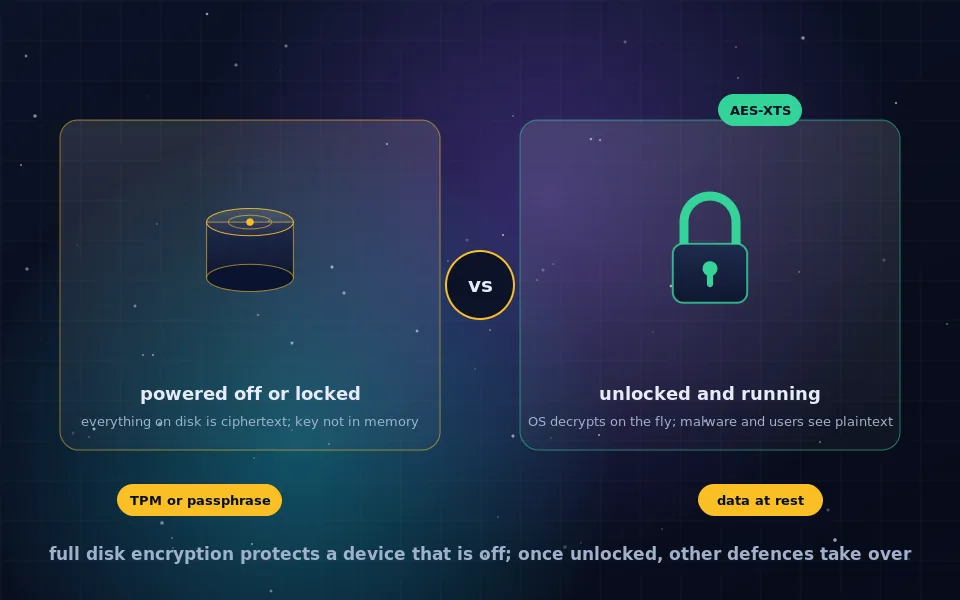
- Boot from the stick and choose to install. The installer resembles the Fedora installer: choose language, keyboard and disk. Keep full-disk encryption enabled and set a strong passphrase.
- Let the installation complete and reboot into the installed system.
- On first boot, the initial setup wizard creates the default qubes, including system qubes for networking and USB, and offers to install Whonix templates. Accept Whonix if you intend to use Tor; it can be added later if not.
- Log in and update dom0 and all templates using the Qubes update tool before doing anything else.
- Create your own qubes for your purposes, with colours that mean something to you, and move your work into them one activity at a time.
Expect the process to take an hour or two, and expect to spend the first week learning where things live.
Qubes-Whonix: Tor inside Qubes
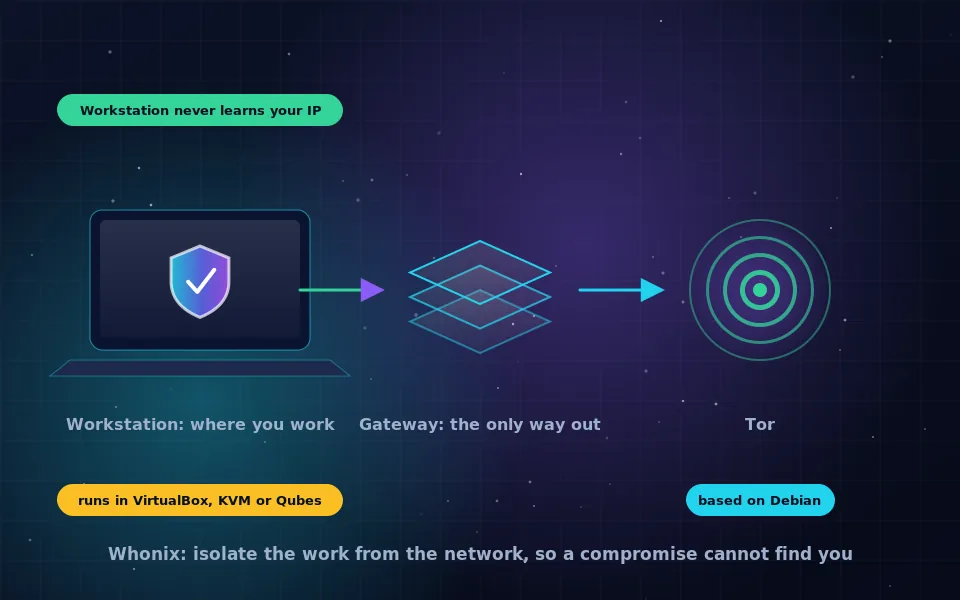
Qubes integrates Whonix as its Tor solution. During setup or later through the template installer, Qubes fetches Whonix-Gateway and Whonix-Workstation templates and creates a Gateway qube that connects to Tor and a Workstation qube for anonymous work. Any qube can be set to use the Gateway as its network, so you can have several anonymous compartments, each with its own Tor identity, alongside your ordinary ones.
This combination addresses the main weakness of standalone Whonix, which is that it depends on the security of its host: in Qubes, the host is the hypervisor, and the Gateway is isolated from the Workstation and from everything else by design. The Whonix guide on this site explains the Gateway architecture, and the Qubes and Whonix projects both recommend this setup for people who can run Qubes.
Living with Qubes
Qubes changes habits. You decide which compartment each task belongs to, you get used to copying between qubes deliberately, and you learn to open unknown files in a disposable qube by reflex. Performance is fine on suitable hardware but never as snappy as a single-OS machine, and battery life is shorter. Some hardware, notably certain Wi-Fi and graphics chips, requires workarounds documented on the Qubes forum, which is the project's community support hub and the first place to search when something misbehaves. In exchange, an attack that would have compromised an ordinary laptop compromises one compartment, and you rebuild that compartment in minutes.
What the project and security professionals say
The description here follows the Qubes project's documentation and the assessments of people who use it professionally.
The Qubes project describes its approach as security by compartmentalisation, is explicit that it relies on hardware virtualisation and IOMMU, and maintains the community hardware compatibility list because support varies widely between machines.
Security professionals who have adopted Qubes for sensitive work commonly describe it as the most effective desktop defence against the realistic threats of phishing, malicious documents and browser exploits, while acknowledging the learning curve and hardware constraints.
Whonix's developers document Qubes-Whonix as their preferred deployment, noting that Qubes' isolation resolves the host-compromise limitation of running Whonix in a conventional virtualiser.
Decide whether Qubes is for you
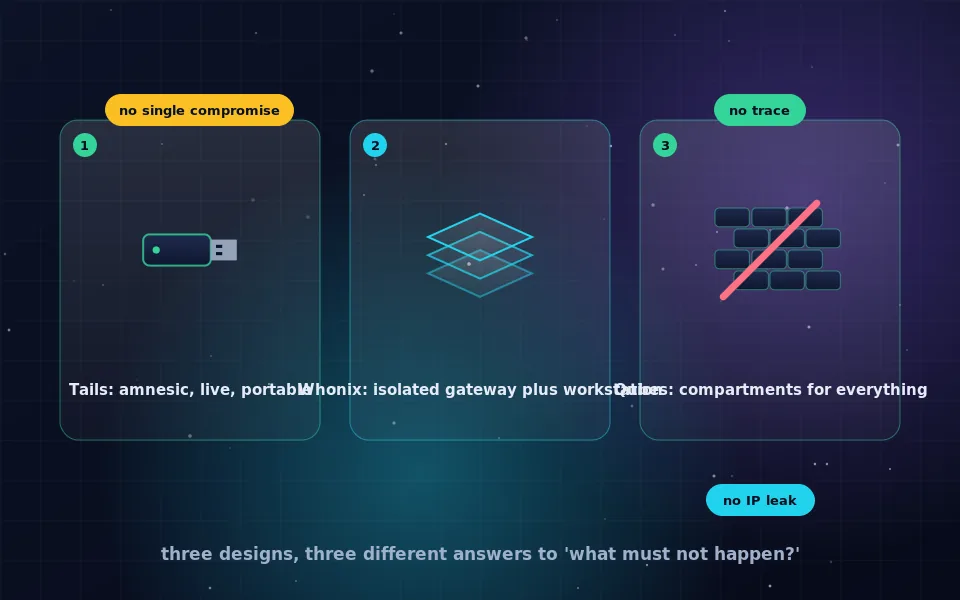
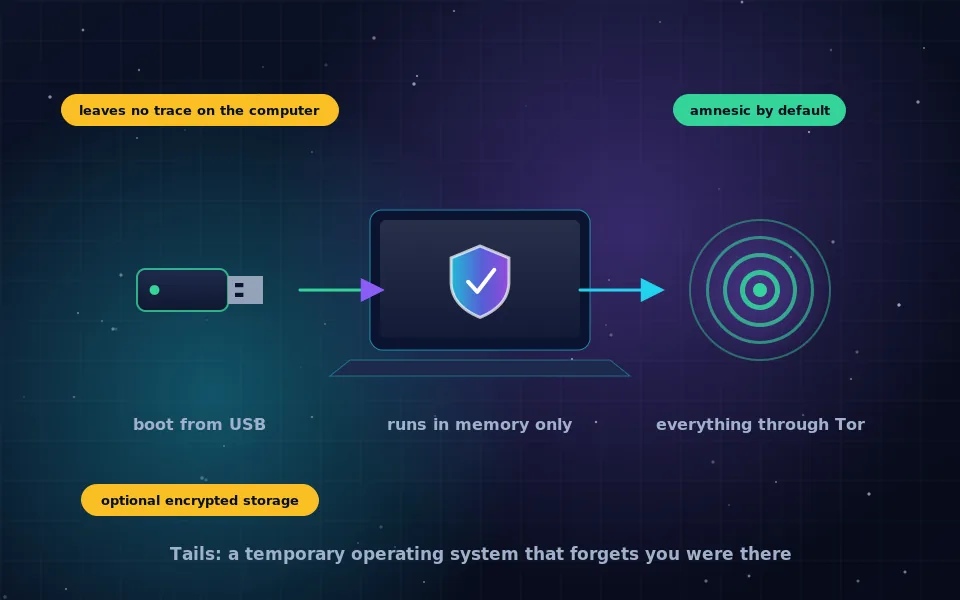
If you have compatible hardware, 16 GB of RAM and a real need to keep activities separated, download Qubes from the project, verify it, and install it on a machine you can afford to spend a weekend learning. If your hardware falls short or you need something portable that leaves no trace, the alternatives guide on this site points to Tails and standalone Whonix. Either way, the compartment idea is worth carrying with you: keep the things that must not meet each other apart.
Frequently asked questions
What is Qubes OS?
Qubes OS is a free, open-source desktop operating system that runs applications in isolated virtual machines called qubes, managed by the Xen hypervisor. Each qube has a colour and a purpose, and windows from different qubes appear side by side on one desktop while remaining strongly separated.
Is Qubes OS a Linux distro?
Not exactly. Qubes is built on the Xen hypervisor with a minimal Linux-based administrative domain, and most qubes run Linux templates based on Fedora or Debian. It can also run Whonix qubes and, with more effort, Windows qubes. It is best described as a hypervisor-based operating system rather than a distribution.
What are the Qubes OS requirements?
A 64-bit Intel or AMD processor with hardware virtualisation and IOMMU support, at least 16 GB of RAM for comfortable use, a fast SSD with plenty of space, and hardware on the project's compatibility list. Laptops with recent integrated graphics are the safest choice; discrete GPUs and very new hardware often cause problems.
How do I install Qubes OS?
Download the ISO from the Qubes project, verify its signature, write it to a USB stick, boot from it and follow the installer, which resembles a standard Linux installer with full-disk encryption. After the first boot, the initial setup creates default qubes and offers to install Whonix templates.
What is Qubes-Whonix?
It is Whonix integrated into Qubes: a Whonix-Gateway qube that connects to Tor and Whonix-Workstation qubes for anonymous work, with Qubes providing the isolation between them and from the rest of the system. It is the recommended way to run both projects.
Last reviewed and updated on . Plain text version: /anonymity/qubes-os.txt.