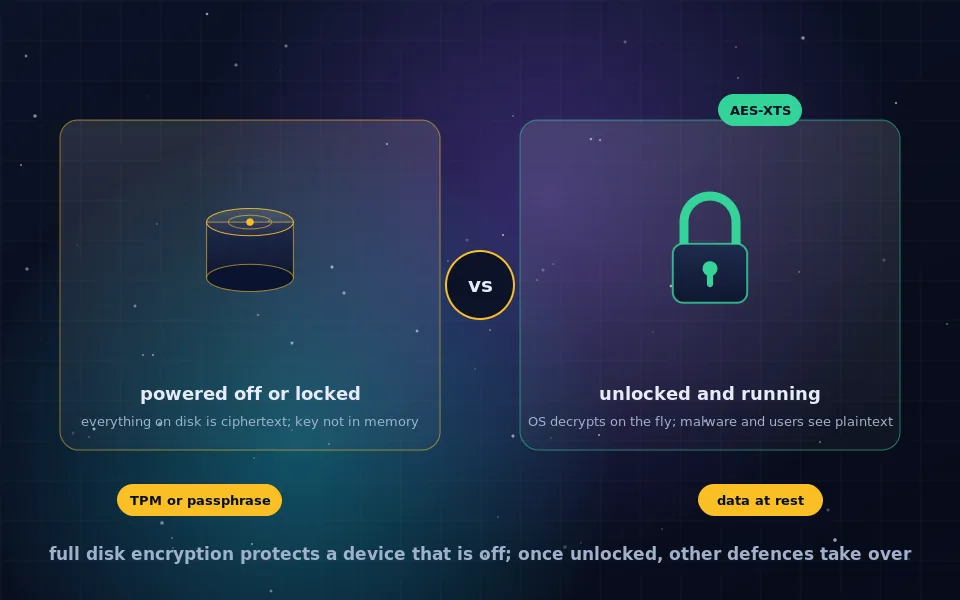
Full disk encryption, also called whole disk encryption or FDE, encrypts everything on a storage device, including the operating system and all files, with a key that must be supplied at startup, usually through a passphrase, a hardware security chip, or both. It works by encrypting every sector with a cipher such as AES and decrypting transparently while the system runs. It protects data at rest: a lost, stolen, seized or discarded device yields nothing readable. It does not protect a machine that is powered on and unlocked, where malware, remote attackers and anyone with the password see the data as plainly as you do.
Full disk encryption is the single most effective step against the most common data loss scenario, which is a device leaving your possession. It is also frequently misunderstood as a general defence. This guide explains what full disk encryption is, how it works from the key to the boot process, what encryption at rest means, exactly what FDE protects against and what it does not, how it applies to phones, and what to do to make it effective.
What full disk encryption is
Encrypting individual files or folders protects those items and leaves everything else readable: temporary files, caches, swap, deleted-file remnants, the operating system's records of what you did. Full disk encryption removes the distinction by encrypting the entire volume below the file system. Every block written to the disk is ciphertext; every block read is decrypted on the way to the application. Nothing on the device is readable without the key, including the operating system itself, which is why the key must be provided before the system can start.
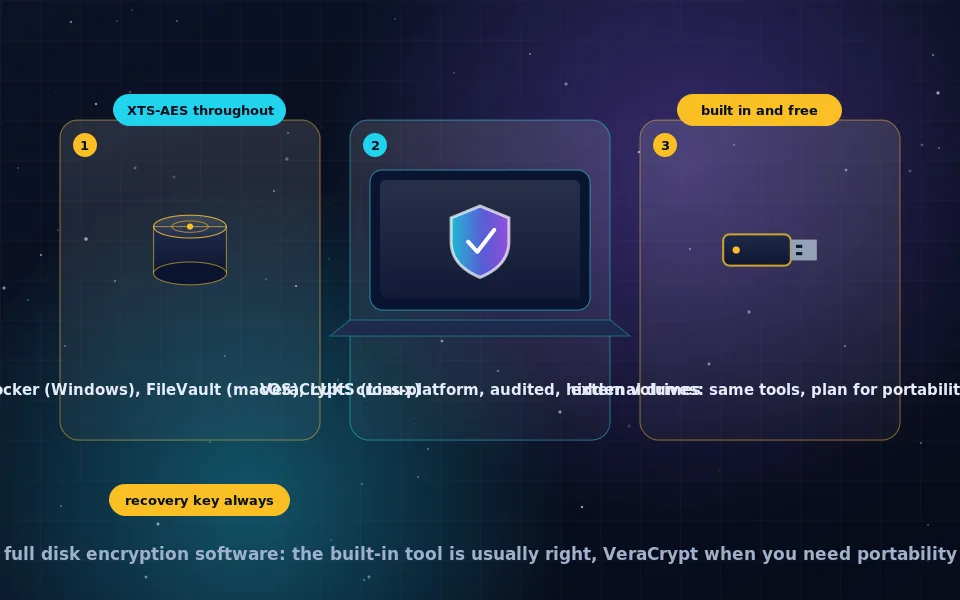
Built-in implementations exist on every major platform: BitLocker on Windows, FileVault on macOS, LUKS on Linux, and default encryption on iOS and Android. The full disk encryption software guide on this site compares them, and the per-platform guides walk through each.
How full disk encryption works
The mechanism is similar across implementations.
- A disk encryption key of 256 or 512 bits is generated randomly when encryption is enabled. This key, not your password, encrypts the data.
- Each sector is encrypted independently using AES in XTS mode, a mode designed for storage, so that any sector can be read or written without touching others. The sector number is mixed in so identical data in different sectors produces different ciphertext.
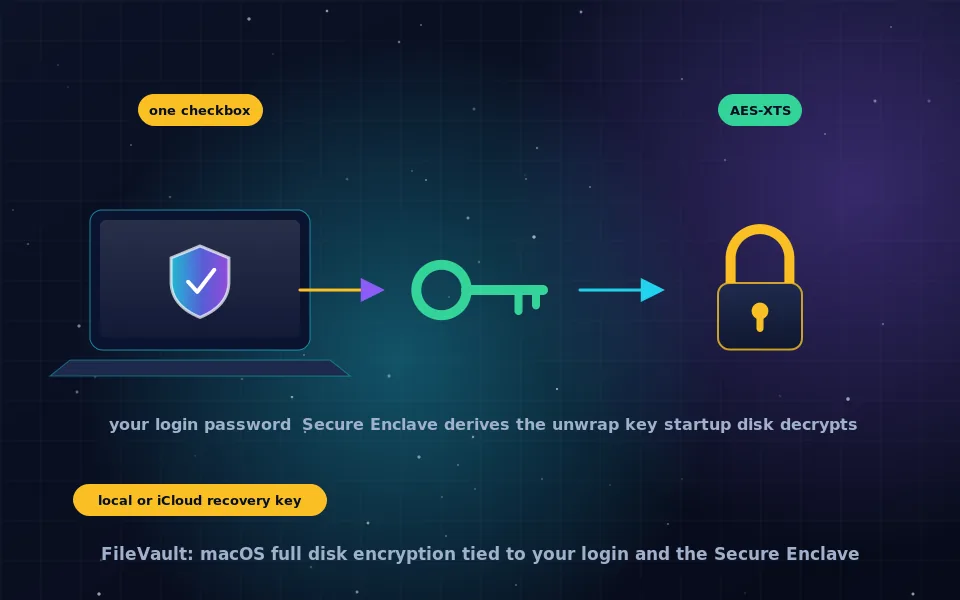
- The disk key is wrapped, meaning encrypted, by a key derived from your passphrase through a slow key derivation function, or by a key held in a hardware security module such as a TPM or Apple's Secure Enclave, or by both. The wrapped key is stored in a header on the disk. Several wrappers can exist, allowing a passphrase, a recovery key and a hardware key to unlock the same disk.
- At boot, a small unencrypted loader asks for the passphrase or queries the hardware chip, unwraps the disk key, and hands it to the operating system, which keeps it in memory.
- While running, the storage driver decrypts every read and encrypts every write. Applications never know the disk is encrypted. Modern processors have AES instructions, so the overhead is small.
- At shutdown, the key in memory is gone. The disk is ciphertext again.
Changing your passphrase re-wraps the disk key; it does not re-encrypt the disk. A recovery key is simply another wrapper, which is why it must be kept safe and why losing every unlock method means the data is permanently gone.
Encryption at rest
Encryption at rest is the general term for protecting stored data, in contrast to encryption in transit, which protects data moving across a network, and encryption in use, which is the research area of processing data while encrypted. Full disk encryption is encryption at rest for a personal device. Cloud providers use the same phrase for their servers, and the encrypted cloud storage guide on this site explains why that is weaker than it sounds: the provider holds the key. For your own laptop, you hold the key, and encryption at rest means exactly what it says.
What full disk encryption protects against
- Loss and theft. The most common threat. Whoever ends up with the device gets an encrypted disk and nothing else, provided it was off or locked with a strong passphrase.
- Disposal and resale. A wiped disk may retain recoverable data; an encrypted disk whose key is destroyed is unreadable regardless.
- Drive removal. Pulling the drive and mounting it in another machine, the classic way to bypass a login password, yields ciphertext.
- Border inspection and seizure of a powered-off device, subject to the legal question of whether you can be compelled to unlock it, which varies by jurisdiction.
- Repair and service of a powered-off device, since technicians cannot read the disk.
What full disk encryption does not protect against
- Anything while the machine is unlocked. Malware, spyware, a remote attacker with a foothold, or a person at the keyboard reads decrypted data through the normal file system. FDE is invisible to them.
- A weak passphrase. The disk key is random and unbreakable; the passphrase that wraps it is guessable. Hardware chips limit guesses on phones and TPM-based setups, but a passphrase-only setup is only as strong as the passphrase.
- Sleep mode. A sleeping laptop keeps the key in memory. Attacks that read memory from a sleeping or recently powered-off machine exist. Hibernate or shut down when the risk warrants it.
- Cloud copies. Files synced to a cloud service, backed up unencrypted, or emailed leave the encrypted disk and are protected by whatever those services provide.
- Coercion. Someone who compels you to type the passphrase gets everything. VeraCrypt's hidden volumes, covered in the VeraCrypt tutorial, exist for this case; FDE alone does not address it.
- Firmware and boot attacks. A sophisticated attacker with physical access to a device you later use again can tamper with the unencrypted boot loader. Secure boot and TPM measurement mitigate this; it is a concern for high-risk users, not most people.
Encryption on phones
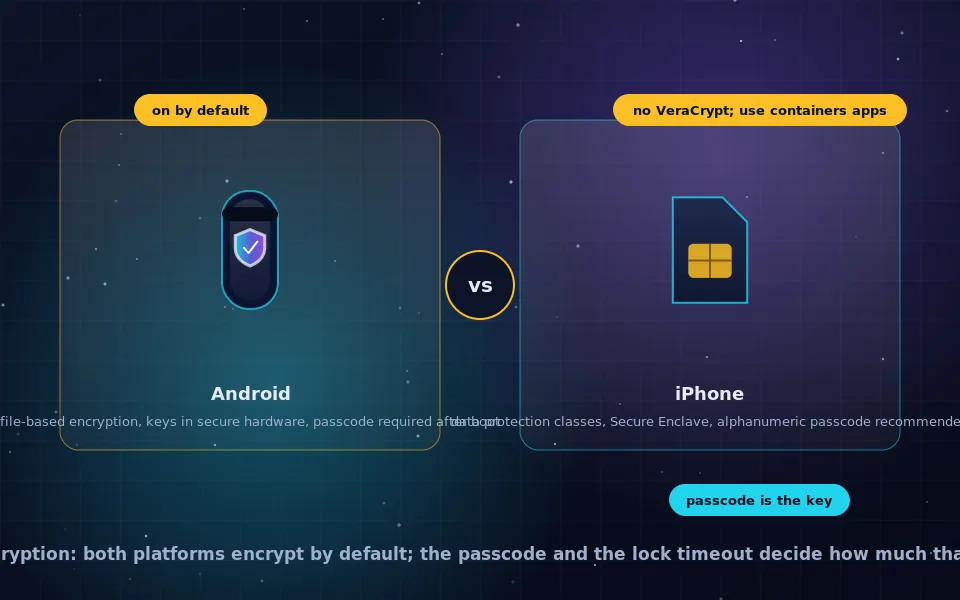
iPhones have encrypted storage by default for years, and Android phones have been required to since recent versions. The disk key is tied to your passcode and to a secure hardware element that enforces delays and limits on guesses, so even a six-digit passcode is far harder to brute force than the same passcode on a laptop without hardware protection. A locked phone with a strong alphanumeric passcode protects its data well; an unlocked phone, or one that unlocks with a face or fingerprint someone can present, does not. The phone encryption guide on this site covers the details and how to check.
Making full disk encryption effective: a six-point list
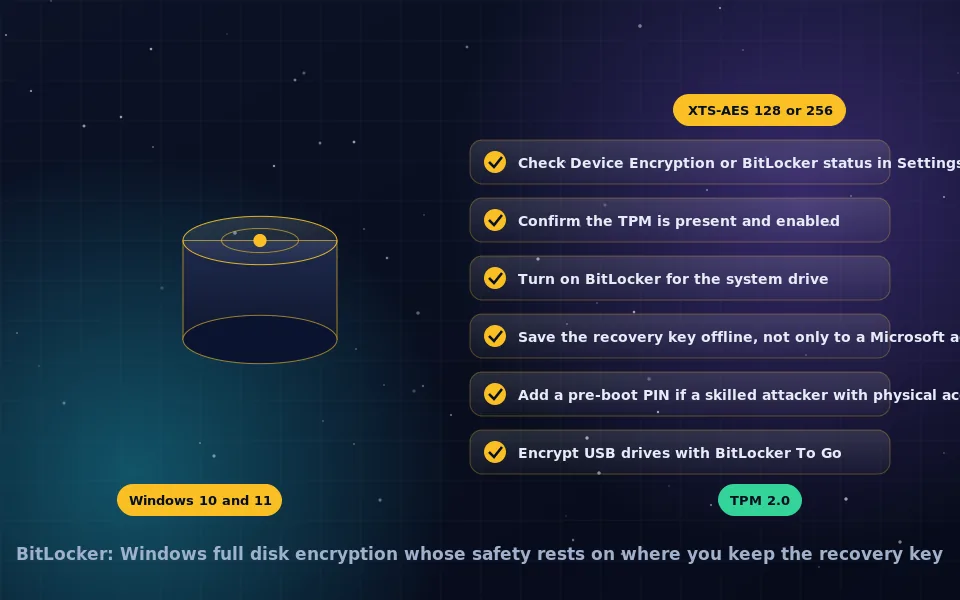
- Turn it on. On Windows, check that BitLocker or Device Encryption is active; on macOS, FileVault; on Linux, choose LUKS at installation. Phones are usually on by default.
- Use a strong passphrase for pre-boot unlock, or a PIN combined with a TPM where the hardware limits guesses.
- Save the recovery key somewhere offline and separate from the device, and know where it is.
- Shut down or hibernate rather than sleep when the device is out of your control.
- Set a short screen-lock timeout so the running machine locks quickly.
- Remember the boundary: FDE protects the device when it is off. Everything else on this site covers the device when it is on.
What standards bodies and security engineers say
The description above follows how disk encryption is specified and how practitioners assess it.
Standards bodies specify XTS-AES as the approved mode for storage encryption and describe full disk encryption as a control for data at rest, distinct from controls for data in transit and for running systems.
Operating system vendors document that their disk encryption uses randomly generated volume keys wrapped by user credentials and hardware protectors, that recovery keys are additional wrappers, and that a lost recovery key with a forgotten passphrase means unrecoverable data.
Security engineers who investigate data breaches identify lost and stolen unencrypted devices as a leading cause, and describe full disk encryption as the control that most often turns such an incident into a non-event, while cautioning that it provides no protection against compromise of a running system.
Turn it on and understand the line
If your laptop or phone is not encrypted, the per-platform guides on this site will fix that in a few minutes, and afterward a lost device is an inconvenience rather than a breach. Then hold the boundary clearly: full disk encryption defends a device that is off. For the device that is on, you need everything else.
Frequently asked questions
What is full disk encryption?
Encrypting an entire storage device, including the operating system, applications and all user data, so that nothing on it can be read without a key supplied at startup. Also called whole disk encryption or FDE. BitLocker, FileVault and LUKS are the built-in implementations on Windows, macOS and Linux.
How does full disk encryption work?
A random disk encryption key encrypts every sector with a cipher such as AES in XTS mode. That key is stored on the disk wrapped by a key derived from your passphrase, a hardware security chip, or both. At boot you unlock the wrapper, the key is loaded into memory, and the operating system encrypts and decrypts transparently as it reads and writes.
What does full disk encryption protect against?
Access to data on a device that is powered off, lost, stolen, sold, recycled or seized, and access by moving the drive to another computer. It is protection for data at rest. It does not protect a running, unlocked machine from malware, remote attackers or anyone who knows the password.
What is encryption at rest?
Encryption of data while it is stored, as opposed to while it is moving over a network or being processed. Full disk encryption is encryption at rest for a device; cloud providers use the term for encrypting data on their servers. In both cases the question is who holds the key.
What is encryption on a phone?
Modern iPhones and Android phones encrypt their storage by default, with keys tied to your passcode and to a secure hardware chip that limits guessing. A locked phone with a strong passcode protects its data much like an encrypted laptop; an unlocked phone does not.
Last reviewed and updated on . Plain text version: /encryption/full-disk-encryption.txt.