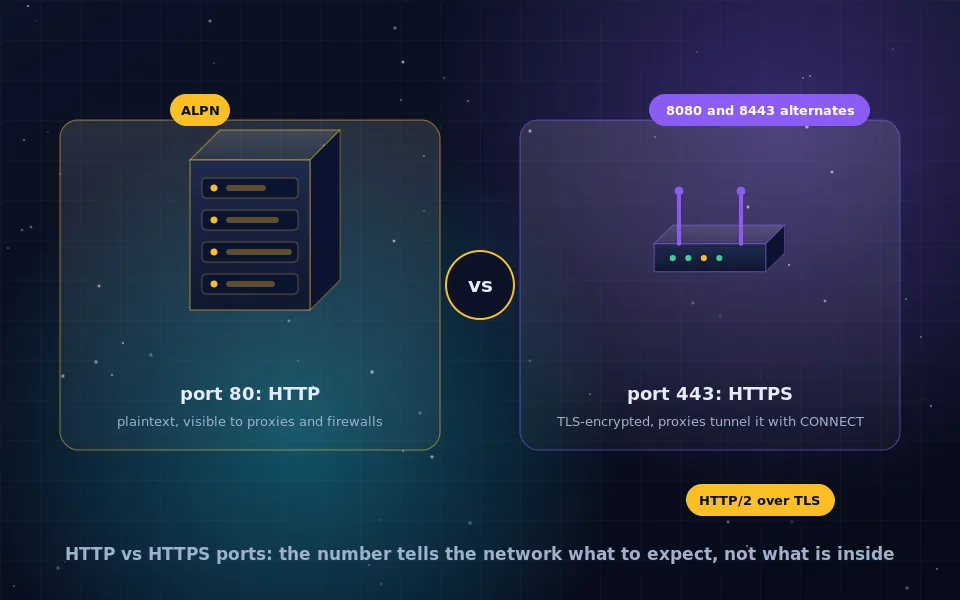
HTTP uses TCP port 80 and HTTPS uses TCP port 443. The port numbers are conventions that let browsers, servers, firewalls and proxies tell plaintext web traffic from encrypted web traffic without inspecting it: a browser connecting to a URL without a stated port assumes 80 for http and 443 for https. HTTP/2 is a newer version of HTTP rather than an alternative to HTTPS, and browsers use it only over TLS on port 443. Proxies handle the two differently, reading HTTP but only tunnelling HTTPS.
The port question comes up when configuring servers, firewalls, proxies and home routers, and when trying to understand why a connection works on one number and fails on another. This guide explains what ports are and why 80 and 443 were chosen, the common alternative ports, how HTTP/2 relates to HTTPS, what HTTP and HTTPS proxies each see, and what the ports mean for firewalls and privacy.
What a port is
An IP address identifies a computer on a network; a port identifies a service on that computer. Every TCP connection targets an IP address and a port number between 0 and 65535. Servers listen on agreed numbers so clients know where to connect, and the numbers below 1024 are reserved for well-known services registered with the internet's numbering authority. Port 80 is registered for HTTP and 443 for HTTP over TLS.
The port does not enforce anything about the traffic. A server can run anything on any port. The convention exists so that a browser can turn https://example.com into a connection to example.com on port 443 without being told.
Port 80: HTTP
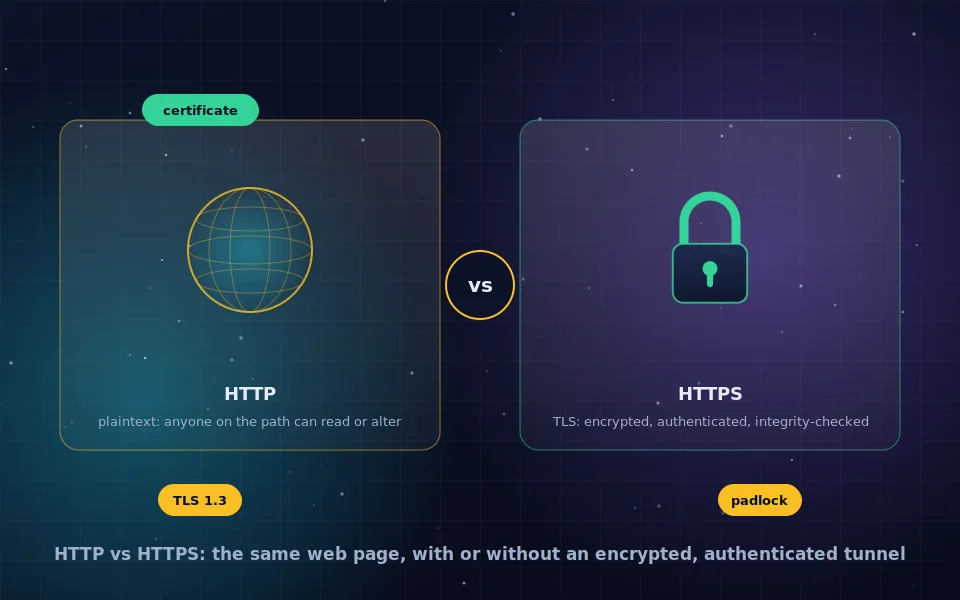
When HTTP was standardised, port 80 was assigned as its default. A URL beginning with http and no explicit port means port 80. Traffic on it is plaintext, as the HTTP versus HTTPS guide on this site explains, so anything crossing port 80 is readable and modifiable by every network device on the path.
Today most servers keep port 80 open for one purpose: to receive a plaintext request and immediately redirect it to the same address on HTTPS. Leaving port 80 closed entirely breaks visitors who type a bare domain name, since browsers still try HTTP first for typed addresses unless the site is on the HSTS preload list. The redirects on this site work the same way.
Port 443: HTTPS
Port 443 was assigned to HTTP over SSL when the secure variant appeared in the mid-1990s, and it carried over to TLS. A URL beginning with https and no port means port 443. Traffic on it begins with a TLS handshake, and everything after is encrypted and authenticated.
Because almost every network allows outbound connections to port 443, it has become the universal port. Web applications, APIs, software updates, messaging apps, VPN protocols configured to evade blocking, and DNS over HTTPS all use 443, which is both why it is reliable and why blocking or inspecting it is so disruptive. A firewall that sees a connection to port 443 knows only that TLS is in use; what is inside is opaque unless the firewall performs TLS interception with its own certificate installed on the client.
Common alternative ports
- 8080 is the conventional alternative for HTTP, used by development servers, proxies and applications that cannot bind to privileged ports.
- 8443 is the conventional alternative for HTTPS, used by admin interfaces, application servers and appliances.
- 8000, 8888, 3000 and similar appear on development servers and local tools.
- Any port can be used; the URL must then include it, as in https://example.com:8443/.
Alternative ports change nothing about security. HTTPS on 8443 is exactly as encrypted as on 443; HTTP on 8080 is exactly as exposed as on 80. They do affect reachability, since many corporate and public networks block non-standard ports.
HTTP/2 versus HTTPS: different layers
These two terms are often confused because they arrived together. HTTPS describes transport: HTTP carried over TLS. HTTP/2 describes the HTTP protocol version: a binary framing layer that multiplexes many requests over one connection, compresses headers, and lets servers push resources. HTTP/3 goes further, running over QUIC on UDP instead of TCP.
The specification allows HTTP/2 without encryption, but every major browser implements it only over TLS, negotiated during the handshake through an extension called ALPN that lets client and server agree on the protocol version before any HTTP is sent. So in practice, HTTP/2 and HTTP/3 traffic is always HTTPS and always on port 443, while HTTPS traffic may be HTTP/1.1, HTTP/2 or HTTP/3 depending on what both sides support. If you want HTTP/2's performance, you need HTTPS first.
HTTP proxies and HTTPS traffic
A proxy sits between a client and the servers it wants to reach, as the proxy guide on this site describes. The two protocols behave very differently through one.
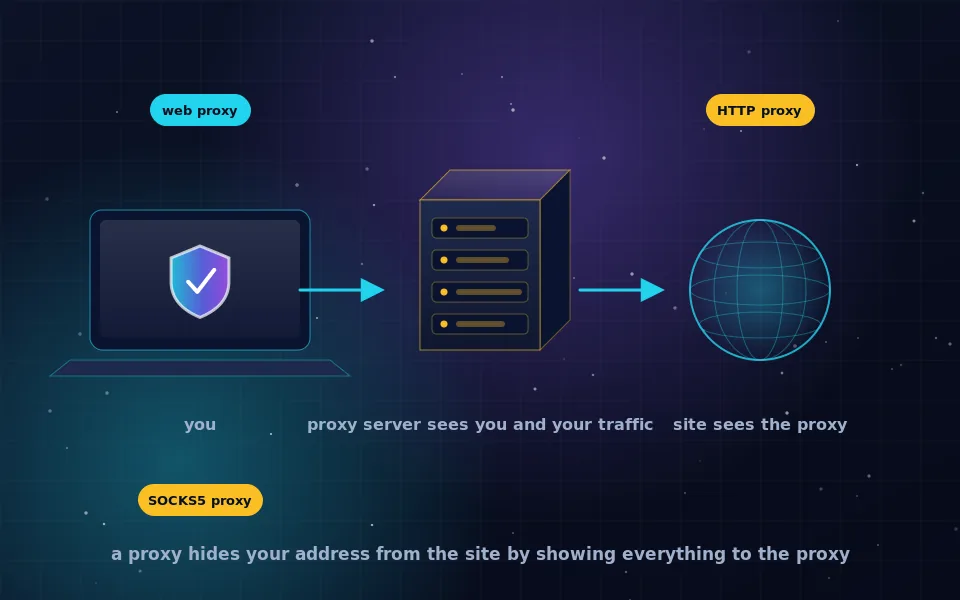
For HTTP, the client sends its full request to the proxy, which reads it, forwards it to the destination, and returns the response. The proxy sees and can alter everything: URL, headers, cookies, content. This is how caching proxies, content filters and ad-injecting operators work.
For HTTPS, the client sends the proxy a CONNECT request naming the destination host and port 443. The proxy opens a TCP connection to that host and thereafter relays bytes in both directions without interpreting them. The TLS handshake happens between the client and the destination through the tunnel, so the proxy sees the destination hostname and the volume of traffic but nothing inside. It cannot alter content without breaking the connection.
The term HTTPS proxy is used two ways. It can mean a proxy handling HTTPS traffic via CONNECT, as above. It can also mean a proxy that the client connects to over TLS, so that the client-to-proxy hop is itself encrypted and the network cannot see which destinations the client asks the proxy for. The second kind protects against the local network; the first is simply how any proxy handles encrypted sites.
A proxy that wants to inspect HTTPS content must perform interception: it presents its own certificate for the destination, which the client rejects unless the proxy's root certificate has been installed on the device. Corporate networks do this on managed devices. On a device you control, a certificate warning when connecting through a proxy means exactly this is happening.
What the ports mean for firewalls and privacy
Firewalls filter by port because it is cheap. Blocking port 80 outbound forces HTTPS; blocking everything but 80 and 443 is a common restrictive policy that still permits the whole web. Because 443 is almost always open, protocols that need to work everywhere disguise themselves as HTTPS on it, which is why obfuscated VPN modes and Tor bridges exist, as the guides on this site describe.
From a privacy standpoint, a connection to port 443 reveals the destination IP address, the server name in the handshake unless encrypted, and timing and volume. It hides content. A connection to port 80 reveals everything. The port is the first thing an observer learns, and for HTTPS it is very nearly the last.
A five-point reference
- http URLs default to port 80; https URLs default to port 443.
- Port 80 should exist only to redirect to 443 on any site that handles user data.
- HTTP/2 and HTTP/3 are protocol versions used over HTTPS, not alternatives to it.
- Proxies read HTTP and tunnel HTTPS; content inspection of HTTPS requires a certificate installed on the client.
- Non-standard ports change reachability, not security.
What standards bodies and network engineers document
The description above follows the protocol registrations and specifications and the practice of people who run networks.
The internet numbering authority's port registry lists 80 for HTTP and 443 for HTTP over TLS, and the HTTP specifications define those as the defaults assumed when a URL omits a port.
The HTTP/2 specification permits cleartext use but documents ALPN negotiation over TLS, and browser makers have stated that they implement HTTP/2 and HTTP/3 only over encrypted connections.
Network engineers describe the CONNECT method as the mechanism by which proxies relay TLS without visibility into content and document TLS interception as requiring a trusted certificate on the client, which is why it is limited to managed environments.
Read the number, then look further
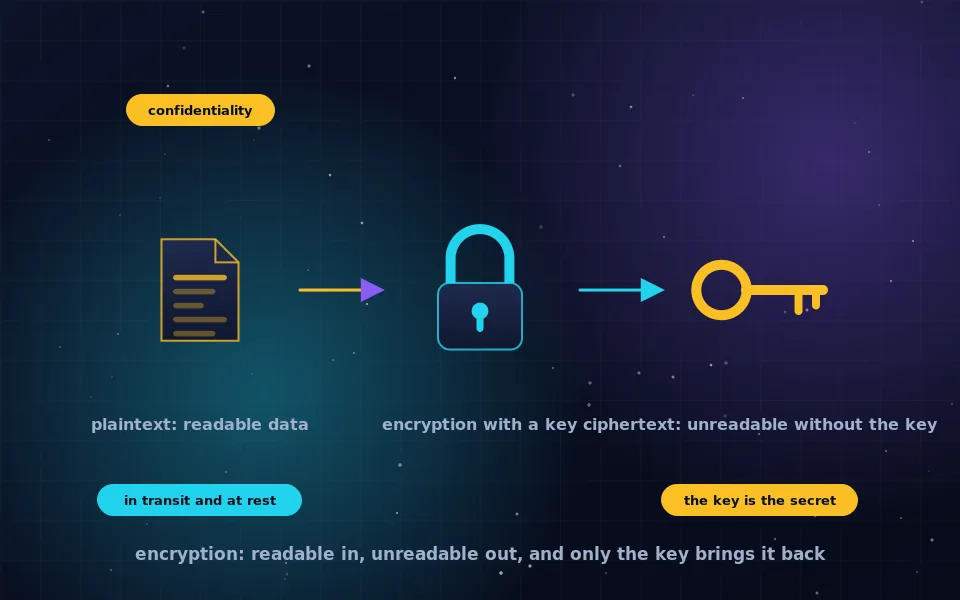
When a connection uses port 443 you know it is encrypted, authenticated and opaque to everything between you and the server; when it uses 80 you know it is exposed. Everything else about the traffic requires looking inside, which for 443 only the two endpoints can do. That asymmetry is the whole reason the web moved from one port to the other.
Frequently asked questions
What port does HTTP use and what port does HTTPS use?
HTTP uses TCP port 80 by default and HTTPS uses TCP port 443. Browsers assume these when a URL omits the port. Servers can use other ports, commonly 8080 for HTTP and 8443 for HTTPS, in which case the URL must include the port number.
Why does HTTPS use port 443?
Port 443 was assigned to HTTP over TLS when the secure variant was standardised in the 1990s, giving it a well-known number distinct from plaintext HTTP so that servers, firewalls and clients could tell the two apart without inspecting traffic. It has been the default ever since.
What is the difference between HTTP/2 and HTTPS?
They are different layers. HTTPS is HTTP carried over TLS encryption. HTTP/2 is a newer version of the HTTP protocol itself, with multiplexing and header compression. In practice browsers only use HTTP/2 over HTTPS, so HTTP/2 traffic is always on port 443 and always encrypted, but the two terms describe different things.
What is the difference between an HTTP proxy and an HTTPS proxy?
An HTTP proxy relays plaintext web requests and can read and modify them. For HTTPS traffic, a proxy uses the CONNECT method to open a tunnel and relays the encrypted bytes without seeing the content, only the destination. An HTTPS proxy may also mean a proxy that you connect to over TLS, so that your connection to the proxy itself is encrypted.
Can HTTPS run on port 80 or HTTP on port 443?
Technically yes; the port is a convention, not an enforcement. In practice it causes confusion and breaks clients that assume defaults. Servers commonly listen on port 80 only to redirect to HTTPS on 443, and some tools tunnel other protocols over 443 because firewalls rarely block it.
Last reviewed and updated on . Plain text version: /encryption/http-vs-https-ports.txt.