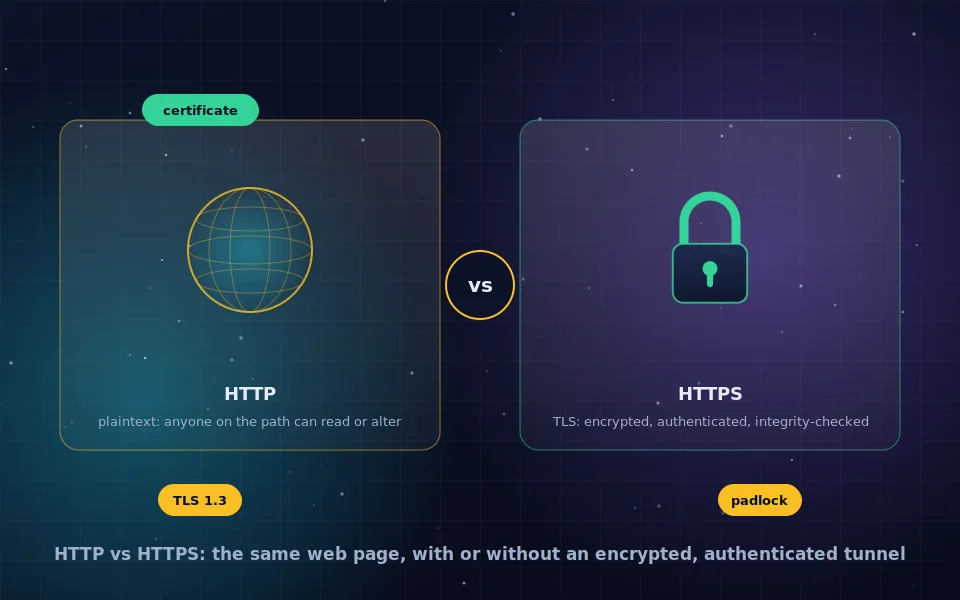
HTTP is the protocol browsers use to fetch web pages, and it sends everything in plaintext, so anyone on the network path can read or alter the traffic. HTTPS is the same protocol carried inside a TLS connection, which encrypts the data, verifies that the server is the one the domain name claims through a certificate, and detects any tampering. HTTPS is more secure in every respect, is required by browsers for many features, and is a search ranking signal.
The padlock in the address bar is the most visible piece of encryption most people meet, and it is widely misunderstood: it does not mean a site is trustworthy, only that the connection to it is private and authentic. This guide explains what HTTP and HTTPS mean, how TLS encryption works step by step, what HTTPS hides and what it still reveals, the difference between SSL and TLS, why HTTPS matters for SEO, and how to tell whether a connection is properly secured.
What HTTP is
Hypertext Transfer Protocol is the language of the web: a browser sends a request such as "GET this page" and the server responds with the page. HTTP is a plaintext protocol. Every request, including the URL, cookies, form data and passwords, and every response, travels across the network readable by any device it passes through: your Wi-Fi router, the ISP, and every router between you and the server.
Plaintext also means modifiable. A network operator or an attacker on a shared network can inject advertisements, alter the page, redirect you to a different site, or serve malware, and the browser has no way to notice. For twenty years this was the normal state of the web.
What HTTPS is
HTTPS is HTTP inside a Transport Layer Security connection. TLS provides three things to the HTTP traffic it carries.
Confidentiality. The content of every request and response is encrypted with a symmetric cipher, so observers on the path see only ciphertext.
Authentication. The server presents a certificate issued by a certificate authority that the browser trusts, binding the domain name to a public key. The browser verifies the chain of signatures and checks that the name matches. This is what stops an attacker on the network from impersonating the site.
Integrity. Every record is authenticated, so any modification in transit is detected and the connection fails rather than delivering altered content.
The padlock means all three checks passed for this connection. It says nothing about whether the site's owner is honest, since anyone can obtain a certificate for a domain they control.
How the TLS handshake works
When you open an HTTPS page, the following happens before any HTTP is sent, typically within a few tens of milliseconds.
- The browser sends a ClientHello listing the TLS versions and cipher suites it supports, along with its half of a key agreement, usually an elliptic-curve Diffie-Hellman public value.
- The server replies with its chosen version and cipher suite, its own key-agreement value, and its certificate chain.
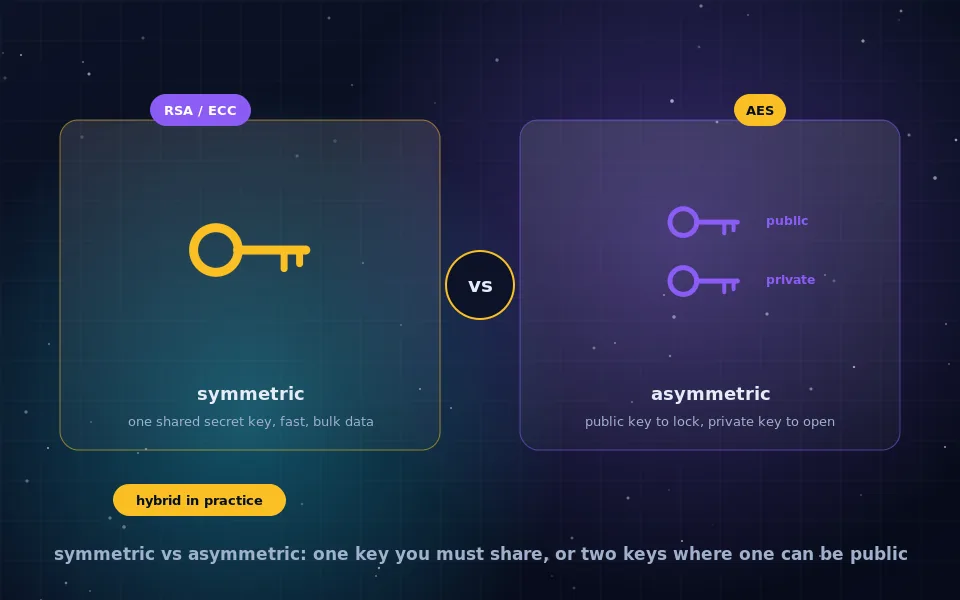
- Both sides combine the key-agreement values to derive the same shared secret, without that secret ever crossing the network. This is asymmetric cryptography doing the job described in the symmetric versus asymmetric guide on this site.
- The server proves it holds the private key matching its certificate by signing the handshake.
- The browser verifies the certificate chain up to a trusted root, checks the domain name, checks validity dates and revocation status, and verifies the signature.
- Both sides derive symmetric session keys from the shared secret and switch to encrypted communication using AES-GCM or ChaCha20-Poly1305.
- HTTP requests and responses now flow inside the encrypted channel.
TLS 1.3, the current version, completes this in one round trip and removed the older, weaker options that caused problems in earlier versions. The AES modes guide on this site explains why the authenticated ciphers it uses matter.
What HTTPS hides and what it reveals
HTTPS encrypts the URL path, query string, headers, cookies, form contents and the page itself. Your ISP cannot see which page on a site you read, what you searched for on it, or what you typed.
HTTPS does not hide the domain name. The IP address of the server is visible to anyone on the path, and the domain name is typically sent in the clear in the handshake so that servers hosting many sites know which certificate to present; encrypted variants of that step are being deployed but are not universal. DNS lookups for the domain are also visible unless encrypted separately, as the encrypted DNS guide on this site covers. Traffic timing and sizes are visible too. So an observer knows you visited a site and roughly how much you did there, but not what. Hiding the site itself is the job of a VPN or Tor, as the guides on this site explain.
SSL versus TLS
Secure Sockets Layer was the original protocol, developed in the 1990s. Its versions all contain known weaknesses and have been prohibited. TLS 1.0 and 1.1 followed and are also deprecated; TLS 1.2 remains acceptable when configured well; TLS 1.3 is current. The industry still says "SSL certificate" out of habit, and the certificates are the same for both; the protocol carrying them today is TLS. A site or product advertising SSL is using the old word, not necessarily the old protocol, but a site that actually negotiates SSL 3.0 or TLS 1.0 is insecure.
Why HTTPS is more secure: the concrete attacks it stops
- Eavesdropping on shared networks. On café or hotel Wi-Fi, anyone can capture HTTP traffic and read logins and cookies. HTTPS makes the capture useless.
- Session hijacking. Stealing an HTTP cookie lets an attacker act as you. Over HTTPS the cookie never appears in the clear.
- Content injection. ISPs and attackers have inserted ads, tracking and malware into HTTP pages. TLS integrity protection makes injection impossible without breaking the connection.
- Impersonation. Without certificates, a network attacker can answer for any site. Certificate verification stops this, which is why browsers warn loudly on certificate errors and why you should not click through them.
- Downgrade and redirection. Modern HTTPS deployments use HTTP Strict Transport Security to tell browsers never to connect over HTTP again, closing the window where an attacker could intercept the first plaintext request.
HTTPS and SEO
Search engines have treated HTTPS as a positive ranking signal for years and browsers mark HTTP pages as not secure, which drives visitors away. Many browser capabilities, including geolocation, service workers, HTTP/2 and newer protocols, are only available over HTTPS. Migrating a site involves obtaining a certificate, now free and automated through several certificate authorities, redirecting every HTTP URL to its HTTPS equivalent with permanent redirects, updating internal links and canonical tags, and enabling HSTS. Done correctly, rankings transfer; done carelessly, with mixed content or redirect chains, they suffer. The redirects and canonicals on this very site follow that pattern.
A six-point check for a properly secured connection
- The address begins with https and the browser shows the padlock with no warning.
- Clicking the padlock shows a certificate issued to the domain you intended, valid and not expired.
- The page loads no mixed content, meaning no images or scripts over HTTP, which browsers now block or flag.
- The protocol negotiated is TLS 1.2 or 1.3; browser developer tools show it under security details.
- Typing the site's name without https still lands on HTTPS, indicating redirects and ideally HSTS are in place.
- You did not click through a certificate warning to get there.
What standards bodies and browser makers say
The account above follows the protocol specifications and the stated policy of the organisations that build browsers and set web standards.
The internet standards body that specifies TLS has deprecated SSL and early TLS versions, and its TLS 1.3 specification removed legacy cipher suites and shortened the handshake to reduce both attack surface and latency.
Browser makers have documented their decision to label HTTP pages as not secure, to restrict powerful web features to secure contexts, and to block mixed content, describing HTTPS as the baseline for the modern web.
Search engine documentation lists HTTPS among ranking signals and recommends site-wide HTTPS with permanent redirects and consistent canonical URLs when migrating.
Look at the padlock with the right expectations
HTTPS means your connection to the site is private, authentic and untampered. It does not vouch for the site, hide which site you visited, or protect you from what the site itself does with your data. Use it as the floor, refuse to enter anything into a page without it, and reach for a VPN, Tor or encrypted DNS when the thing you need to hide is not the content but the destination.
Frequently asked questions
What is the difference between HTTP and HTTPS?
HTTP, Hypertext Transfer Protocol, sends requests and pages as plaintext that anyone on the network path can read or modify. HTTPS is HTTP carried inside a TLS connection, which encrypts the traffic, verifies the site's identity with a certificate, and detects tampering. The S stands for secure.
Is HTTPS really more secure than HTTP?
Yes, substantially. HTTPS prevents eavesdroppers from reading what you send and receive, stops attackers on the network from injecting content or redirecting you, and confirms the server is the one the domain name says it is. HTTP provides none of those protections.
What is TLS encryption, and what is SSL?
TLS, Transport Layer Security, is the protocol that secures HTTPS and many other connections. SSL, Secure Sockets Layer, was its predecessor; all SSL versions are obsolete and insecure. People still say SSL certificate, but the protocol in use today is TLS, currently version 1.3.
How does HTTPS encryption work?
The browser and server perform a TLS handshake: the server presents a certificate proving its identity, both sides use public-key cryptography to agree on a shared session key, and the rest of the connection is encrypted with a fast symmetric cipher such as AES-GCM. The handshake takes milliseconds.
Does HTTPS matter for SEO?
Yes. Major search engines treat HTTPS as a ranking signal, browsers label HTTP pages as not secure, and many modern browser features require HTTPS. A site on HTTP today loses trust with users and visibility in search, and migrating with proper redirects is standard practice.
Last reviewed and updated on . Plain text version: /encryption/http-vs-https.txt.