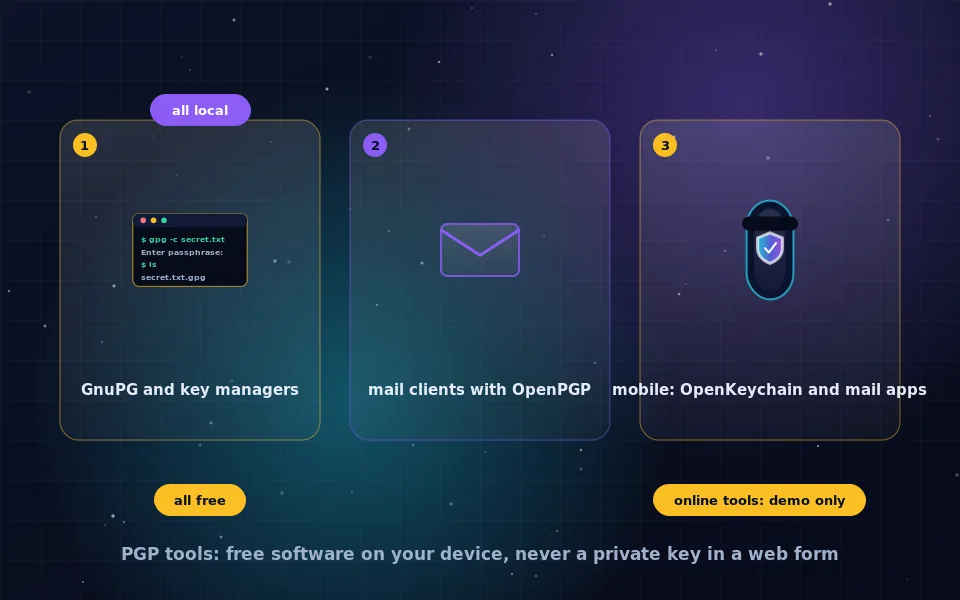
The PGP encryption tools worth using are all free and all run locally: GnuPG is the reference implementation, Gpg4win with Kleopatra wraps it for Windows, GPG Suite for macOS, Seahorse or Kleopatra for Linux, Thunderbird provides PGP email on every desktop, and OpenKeychain and PGP-capable mail apps cover phones. Online PGP encryption and decryption tools should be treated as demonstrations only, because using one means giving a web page your private key or your plaintext, and you cannot verify what the page does with them.
Searching for a PGP tool produces a mix of excellent free software and web pages offering to encrypt or decrypt for you in the browser, and the ranking gives no hint of which is which. This guide sorts them: what GnuPG is and why everything builds on it, the best front-end for each platform, mail client integration, mobile options, an honest assessment of online tools, and a checklist for choosing.
GnuPG: the foundation
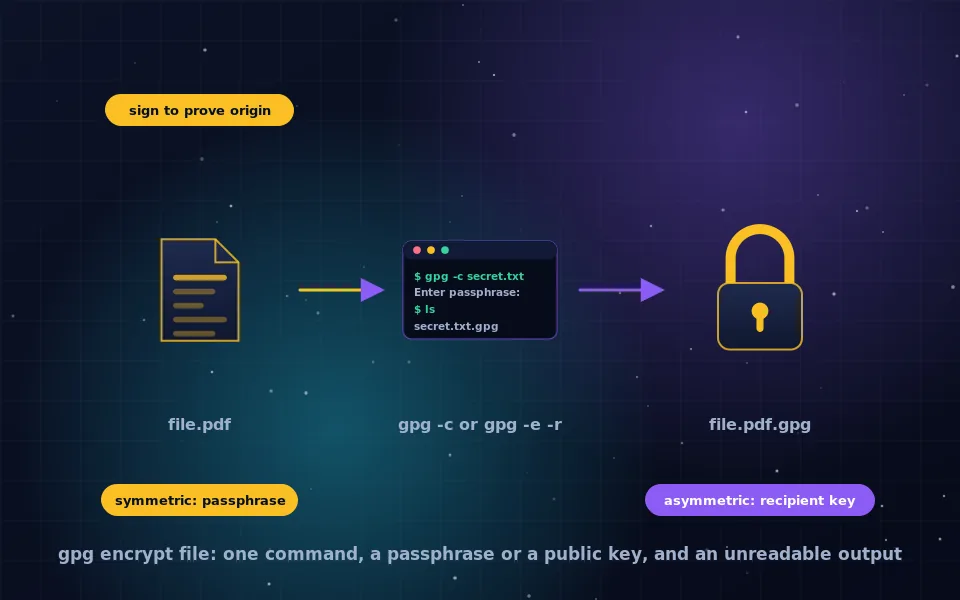
GNU Privacy Guard is the free software implementation of the OpenPGP standard. It runs on Linux, Windows and macOS, is included in every major Linux distribution, and provides the command-line program gpg that the GPG file guide on this site covers. Almost every graphical PGP tool, mail client plugin and password manager integration calls GnuPG underneath or reimplements its format. It is actively maintained, its releases are signed, and it has been scrutinised for decades.
For a person comfortable with a terminal, GnuPG alone is a complete PGP tool: generate keys, encrypt, decrypt, sign, verify, manage a keyring. For everyone else, the front-ends below make the same operations graphical.
Desktop tools by platform
Windows. Gpg4win is the standard package. It installs GnuPG, Kleopatra for key management and file encryption, GpgEX for right-click encryption in Explorer, and GpgOL for Outlook. Everything is free and open source, and the download page publishes checksums and signatures.
macOS. GPG Suite installs GnuPG, GPG Keychain for key management, and GPG Mail for Apple Mail integration; the mail plugin has a paid support option while the rest is free. GnuPG is also available through Homebrew and MacPorts for terminal use.
Linux. GnuPG is already present. Kleopatra on KDE and Seahorse on GNOME manage keys graphically, and file managers integrate encryption through extensions. Thunderbird, described next, is in every repository.
Cross-platform desktop email. Thunderbird has included native OpenPGP support since version 78, with its own key storage and no external GnuPG required. It is the simplest route to PGP email on any desktop and is free.
Mail client integration
PGP email works either through a client with built-in support or a plugin for a client you already use.
- Thunderbird: built in, all platforms.
- Outlook: GpgOL from Gpg4win.
- Apple Mail: GPG Mail from GPG Suite.
- Gmail and other webmail: browser extensions such as Mailvelope add PGP to the web interface, storing keys in the extension. These are legitimate local tools, distinct from online PGP pages, because the extension code is installed and inspectable and keys stay in your browser profile.
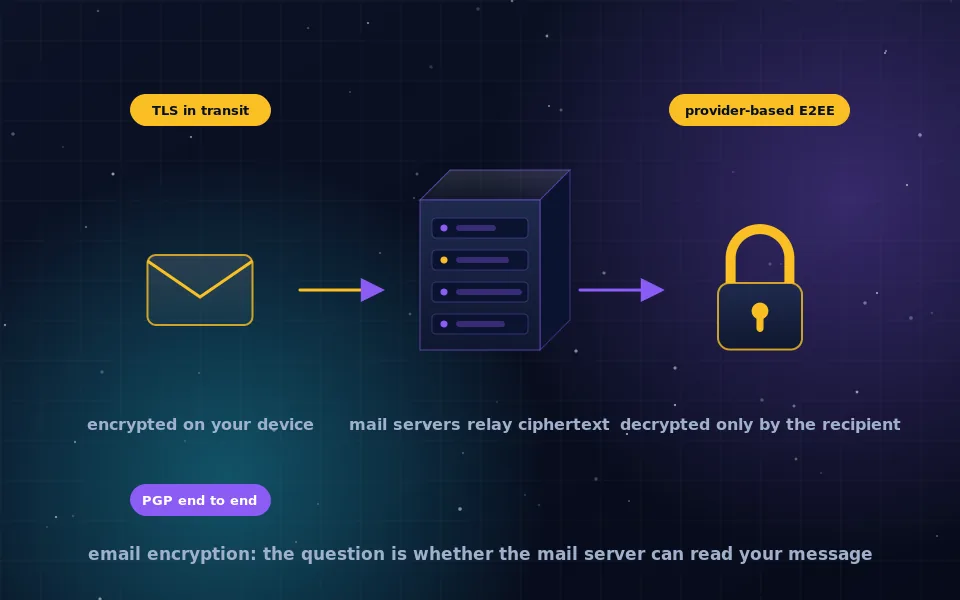
- End-to-end encrypted providers: Proton Mail and similar services handle PGP for you within their apps, as the email encryption guide on this site describes.
Mobile tools
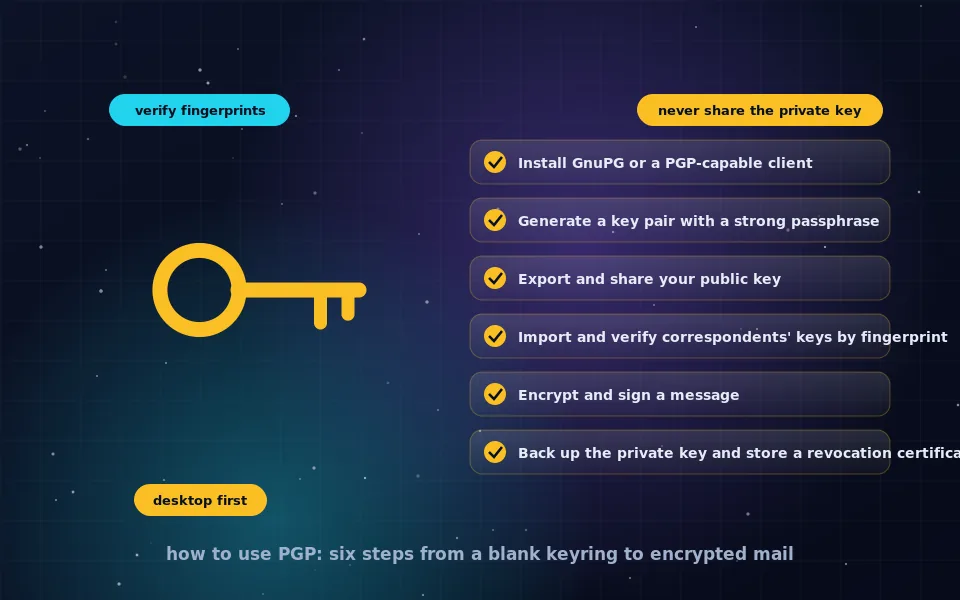
Mobile PGP is workable with the caveats in the how-to-use-PGP guide.
On Android, OpenKeychain is the standard open-source key manager and integrates with K-9 Mail and FairEmail for encrypted email. On iOS, several mail apps offer OpenPGP; prefer open-source or audited ones and check that keys are stored on the device rather than a server. Password managers on both platforms sometimes offer PGP key storage for convenience.
Online PGP tools: an honest assessment
Web pages that offer PGP encryption, decryption or key generation in the browser are popular because they need no installation. They have three problems that no design can remove.
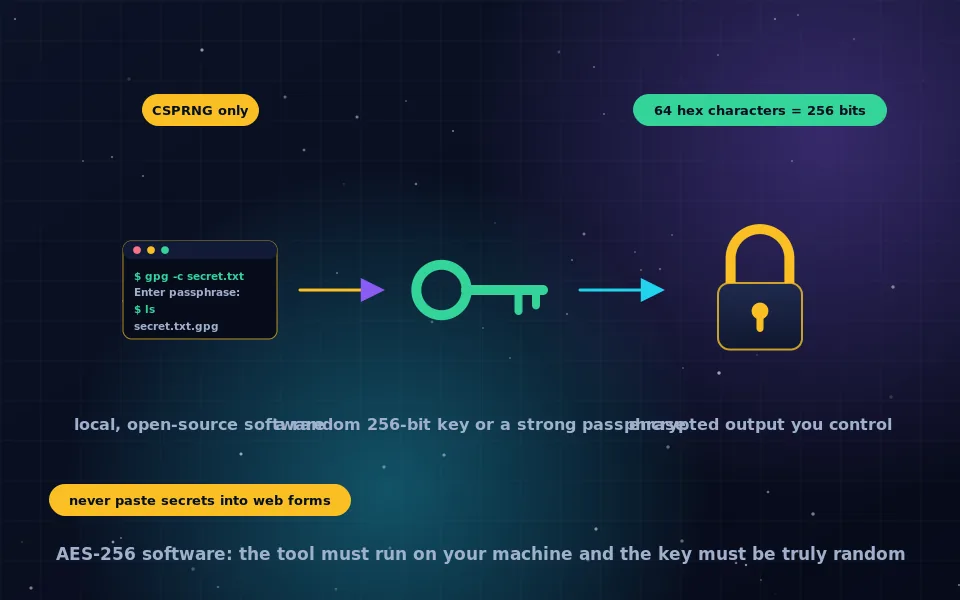
To decrypt a message, you must paste your private key and enter your passphrase into the page. To encrypt, you paste your plaintext. Whether the page sends these to a server or processes them locally, you have no way to know, and even a page that is honest today can be changed tomorrow, compromised, or served differently to you than to the person who reviewed it. A key generated on such a page may not be random and may have been recorded.
The one appropriate use is learning: generate a throwaway key, encrypt a test message, see the format. For anything that matters, install one of the free tools above; it takes five minutes and the result is a private key that has never left your machine.
Specialised tools worth knowing
- Sequoia PGP is a newer OpenPGP implementation with a modern command-line tool, used increasingly in software distributions.
- age is not PGP, but a simpler file encryption tool with a small, modern design that many people now prefer for encrypting files to a recipient or a passphrase. It does not interoperate with PGP.
- Hardware security keys with OpenPGP support store your private key on a physical device so it cannot be copied off your computer, and GnuPG supports them directly. The passkeys and security keys guide on this site covers the hardware.
- Password managers frequently store PGP private keys and passphrases, and some integrate signing for code repositories.
A seven-point checklist for choosing a PGP tool
- It is free software with public source code, or at least a long-established project with published audits.
- Keys are generated and stored on your device, never on a server or in a web page.
- It supports modern algorithms: elliptic-curve keys or RSA at 3072 bits and above.
- It interoperates with GnuPG, since that is what your correspondents will be using.
- It integrates with the mail client or workflow you actually use, so you will keep using it.
- It is maintained, with recent releases and a security contact.
- It handles the basics safely: verifying fingerprints, protecting the private key with a passphrase, warning before unencrypted replies.
Gpg4win, GPG Suite, Thunderbird, Kleopatra, Seahorse and OpenKeychain pass all seven. Online tools fail the second, and that is disqualifying.
What the projects and security educators say
The recommendations here follow the tool developers' documentation and the practice of those who teach PGP.
The GnuPG project describes itself as the free implementation of the OpenPGP standard, documents the front-ends that build on it, and publishes signed releases with verification instructions.
Security educators who teach encryption consistently recommend locally installed PGP software and warn against pasting private keys into websites, describing online PGP tools as useful for demonstration and unsafe for real correspondence.
Mail client developers who added native OpenPGP support have documented that they did so to reduce the setup barrier that kept most users from encrypting email, and that the keys remain stored locally under the user's control.
Install one and stop searching
Pick Thunderbird if you want the shortest path to PGP email, Gpg4win or GPG Suite if you want a key manager and file encryption alongside, and GnuPG alone if you like the terminal. Each is free and each keeps your private key where it belongs. Close the online PGP tab, and use the how-to guide on this site to generate your first key.
Frequently asked questions
What is the best free PGP encryption tool?
GnuPG is the free reference implementation and the foundation of nearly every other tool. For a graphical experience, Gpg4win with Kleopatra on Windows, GPG Suite on macOS, and Seahorse or Kleopatra on Linux. For email, Thunderbird has OpenPGP built in on all three platforms. All are free.
Is there a PGP encryption software for Windows?
Gpg4win is the standard package, bundling GnuPG, the Kleopatra key manager and file encryption through the Explorer context menu, with an Outlook plugin. Thunderbird provides PGP email without additional software. Both are free and open source.
Are online PGP encryption tools safe?
Not for real use. To decrypt, you must give the page your private key and passphrase; to encrypt, your plaintext. Even if the page runs code in your browser, you cannot verify what it does or whether it changed since yesterday. Use them only to learn with throwaway keys.
Do I need a paid PGP program?
No. The commercial PGP product exists mainly for enterprise management. Individuals and most organisations use GnuPG and its free front-ends, which implement the same OpenPGP standard and interoperate fully with commercial PGP.
What PGP tools work on a phone?
On Android, OpenKeychain manages keys and integrates with K-9 Mail and FairEmail. On iOS, several mail apps include OpenPGP support. End-to-end encrypted email providers' apps also handle PGP for you. Generate keys on a desktop and keep only what you need on the phone.
Last reviewed and updated on . Plain text version: /encryption/pgp-encryption-tools.txt.