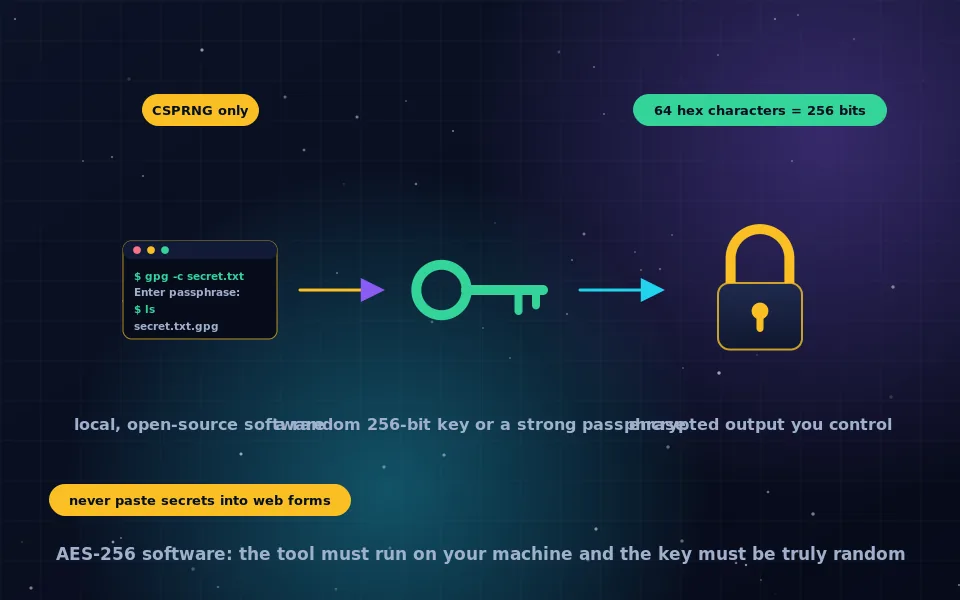
Trustworthy AES-256 encryption software runs locally on your own machine, is open source, uses an authenticated mode such as GCM, derives keys from passwords with a slow function like Argon2 or PBKDF2, and is actively maintained; VeraCrypt, 7-Zip, GnuPG, age and the operating systems' built-in disk encryption all qualify. Online AES-256 tools and key generators are not appropriate for anything sensitive, because they receive your data or key, or run code you cannot verify. An AES-256 key is 32 random bytes from a cryptographic random source, and generating one correctly is a one-line command.
Searches for AES-256 software, online encryptors and key generators mostly come from people who need to encrypt something and have found a web page offering to do it. This guide explains what to look for in software, why the online route is a poor idea, what an AES-256 key actually is, how to generate one safely, and which local tool fits which job.
What good AES-256 software looks like
The cipher is the same in every product, as the AES-256 guide on this site explains, so the software's job is everything around it. Look for the following.
- Local operation. Encryption happens on your device; nothing is uploaded. This rules out web tools by definition.
- Open-source code, ideally with a published audit, so the implementation can be checked. Closed AES implementations have shipped with fixed IVs, weak key derivation and outright backdoors.
- An authenticated mode, GCM or an equivalent, or a construction that pairs encryption with a MAC. The modes guide on this site explains why this matters.
- A modern key derivation function for passwords: Argon2, scrypt, or PBKDF2 with a high iteration count, with a random salt.
- Use of the platform's cryptographic random source for keys, IVs and salts.
- A maintained project that responds to reported vulnerabilities.
- A documented file format, so that data encrypted today can be decrypted in ten years.
Why online AES-256 tools are a bad idea
An online encryptor asks you to paste plaintext and a key or password into a web form. Two things can happen. The page may send both to its server, in which case the operator has your secret and your key, whatever the page claims. Or the page may encrypt in your browser with JavaScript, in which case you are trusting code you have not read, delivered over a connection that could be intercepted, from a site that could be compromised tomorrow without any visible change. Either way, you have handed the two things encryption exists to protect to a stranger.
The same reasoning applies to online key generators: a key generated on someone else's server is a key someone else has seen, and a key generated in a browser by unknown code may not be random at all. For a test with throwaway data, online tools are harmless. For anything you would not post publicly, use local software.
What an AES-256 key actually is
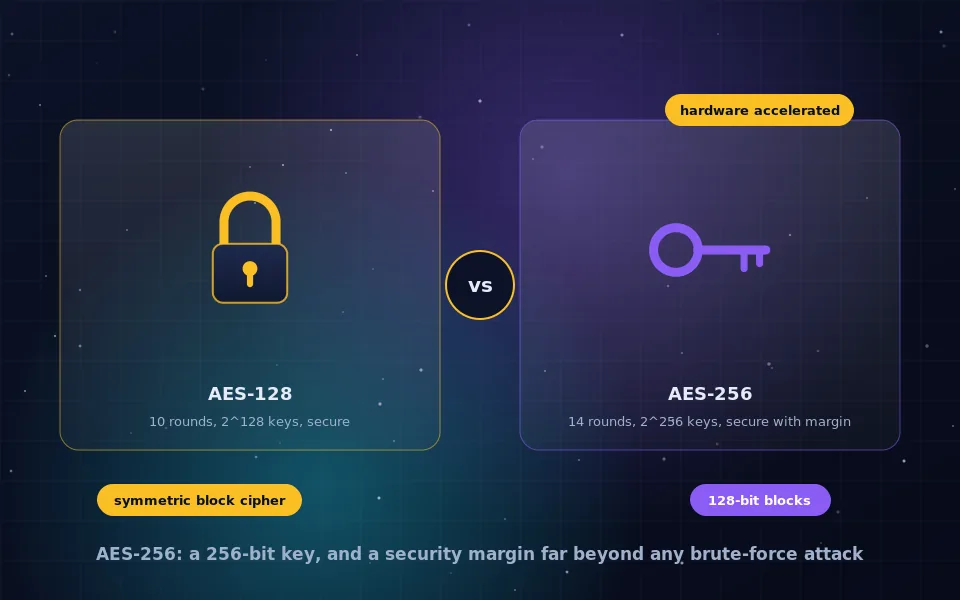
An AES-256 key is 256 bits, which is 32 bytes. Written in hexadecimal it is 64 characters from 0 to 9 and a to f; in Base64 it is 44 characters. The only requirement beyond length is that it be unpredictable, which means it must come from a cryptographically secure random number generator, not from a word, a phrase, a date, or a general-purpose random function.
Most encryption software never shows you the key. When you type a password, the software runs a key derivation function that stretches the password and a random salt into 32 bytes. The key is as strong as the password: a short password derived into a 256-bit key gives an attacker a short list of guesses, not 2 to the power 256. Long, unique passphrases are how password-based AES-256 earns its name.
When software or a protocol needs a raw key, for instance to configure a service or share a secret between two machines, you generate it directly.
How to generate an AES-256 key safely
Every operating system provides a cryptographic random source, and several trusted tools expose it.
- With OpenSSL, available on Linux, macOS and Windows: run the command that outputs 32 random bytes in hex,
openssl rand -hex 32. The output is a 64-character key. - With Python's secrets module,
secrets.token_hex(32)produces the same. - On Linux, reading 32 bytes from
/dev/urandomand encoding them in hex or Base64 is equivalent. - Password managers include random password generators that draw from the same secure source; a 43-character random Base64 string from one is a valid key.
Store the generated key in a password manager or an encrypted file, never in plaintext next to the data it protects, and never in source code or a chat message.
Which local tool for which job
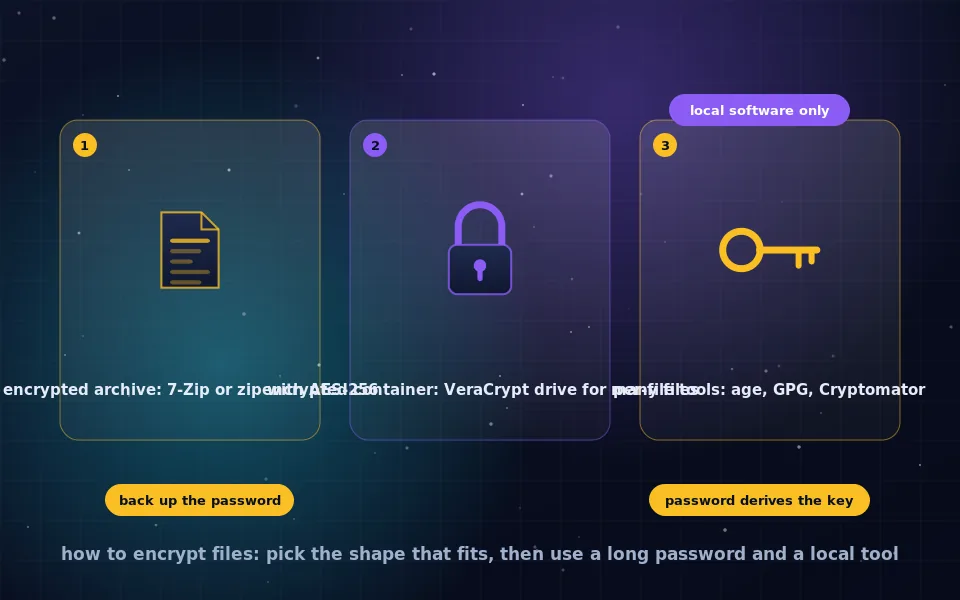
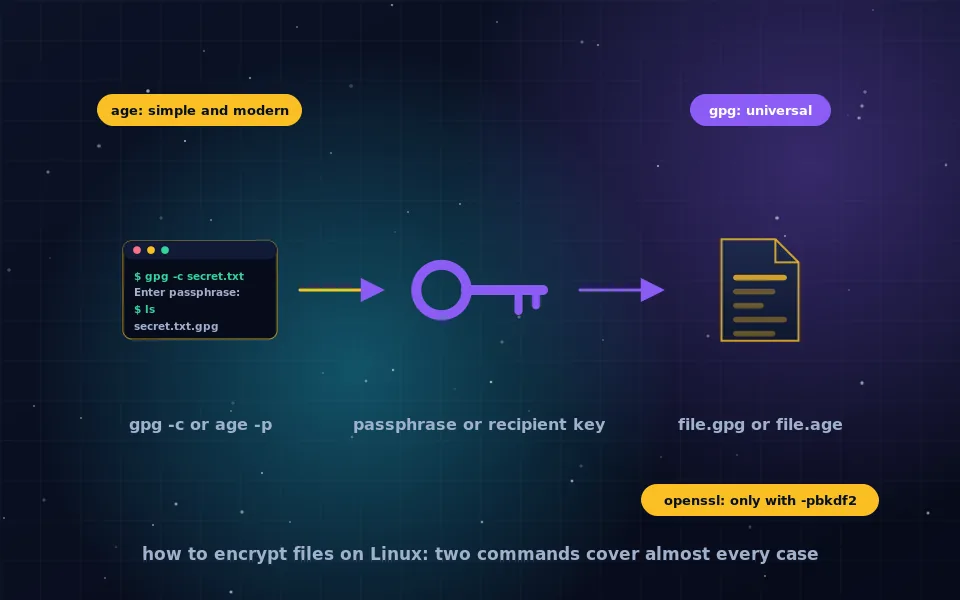
- Encrypting individual files to send or store. GnuPG with a passphrase or a recipient's key, or the simpler tool age, both open source and command-line with graphical front-ends available. The file encryption guides on this site walk through them.
- Encrypting archives of many files. 7-Zip on Windows, or its ports elsewhere, with AES-256 and encrypted filenames enabled. The Windows file encryption guide covers it.
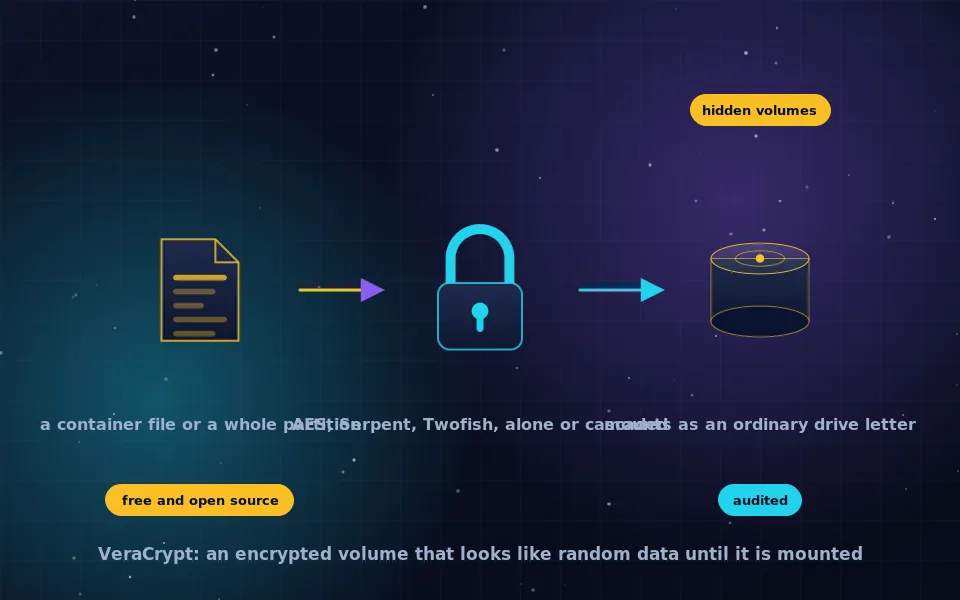
- An encrypted container or drive. VeraCrypt, cross-platform and audited, for a volume that mounts like a disk. The VeraCrypt guides explain setup.
- The whole disk. BitLocker, FileVault or LUKS, built into Windows, macOS and Linux, covered by the full-disk encryption guides.
- Programmatic encryption in software you write. A high-level library such as libsodium or your language's vetted cryptography package, using its authenticated encryption functions rather than assembling AES primitives yourself.
Each of these is free, local and open to inspection, and each uses AES-256 or an equivalent authenticated construction correctly.
A seven-point checklist before trusting an AES-256 tool
- Does it run entirely on my device with no network access during encryption?
- Is the source code public, and has anyone independent reviewed it?
- Which mode does it use, and does it authenticate the ciphertext?
- How does it turn my password into a key, and can I see the parameters?
- Where do its random values come from?
- Is the file format documented and readable by other software?
- When was it last updated, and how did the project handle past vulnerability reports?
What cryptographers and developers say
The advice here reflects what the people who build and break encryption software say.
Cryptographers who review encryption products consistently identify implementation flaws such as weak key derivation, predictable IVs, unauthenticated modes and poor randomness as the cause of failures, and recommend well-reviewed open-source software over closed or web-based tools.
Developers of widely used encryption tools document their key derivation parameters, their modes and their random sources, and explicitly warn users against pasting secrets into websites or generating keys with non-cryptographic random functions.
Security educators describe browser-based encryption tools as suitable for learning and demonstration, and unsuitable for real secrets, because the user cannot verify the code or the absence of exfiltration.
Encrypt where you can see the code
Pick the local tool that matches your job from the list above, generate keys from a cryptographic random source or use a long passphrase, and close the browser tab offering to encrypt for you. AES-256 is the easy part; software that handles the key honestly is what you are actually choosing.
Frequently asked questions
What is the best AES-256 encryption software?
Judge by open-source code, an authenticated mode such as GCM, a strong key derivation function for passwords, local operation with no upload, and a maintained project. VeraCrypt for volumes, 7-Zip for archives, GnuPG and age for files, and the built-in disk encryption on each operating system meet those criteria.
Is it safe to use AES-256 encryption online?
Generally not for anything sensitive. An online tool receives your plaintext and your key, or runs code you cannot verify in your browser. Even honest sites can be compromised or logged. Use local software that runs on your own machine.
What is an AES-256 encryption key?
A 256-bit value, 32 bytes, usually written as 64 hexadecimal characters or 44 Base64 characters. It must be generated by a cryptographically secure random source. When software asks for a password instead, it derives the key from the password using a slow key derivation function.
How do I generate an AES-256 key?
Use your operating system's cryptographic random source through a trusted tool: for example the openssl command with rand 32, or a library's secure random function. Do not use an online key generator, a general-purpose random function or anything derived from a word or date.
Can I use a password as an AES-256 key?
Not directly; a password is the wrong length and far from random. Encryption software converts a password into a key with a key derivation function such as Argon2 or PBKDF2. The resulting encryption is only as strong as the password, so use a long unique passphrase.
Last reviewed and updated on . Plain text version: /encryption/aes-256-encryption-software.txt.