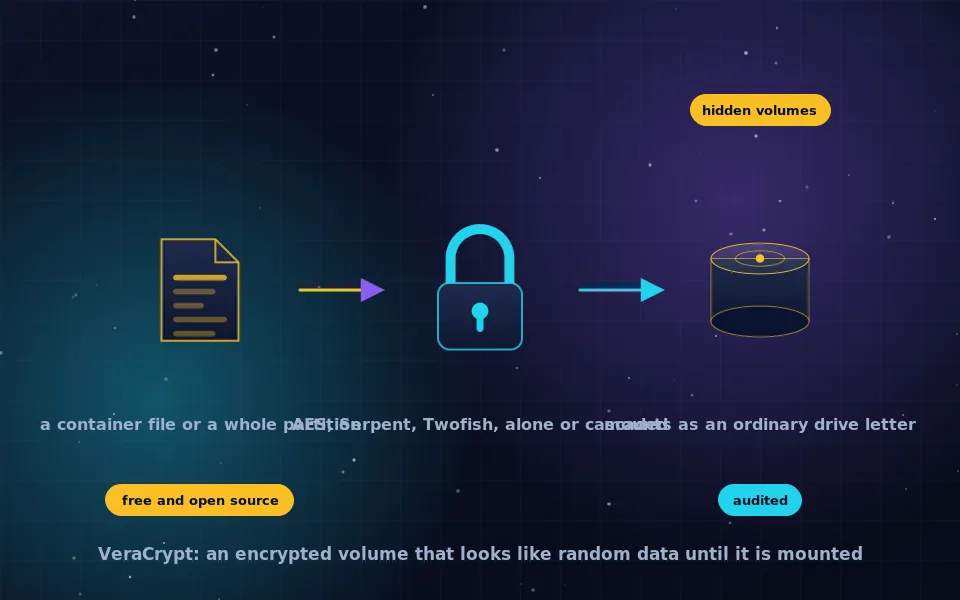
VeraCrypt is free, open-source disk encryption software for Windows, macOS and Linux that creates encrypted containers which mount as virtual drives, encrypts entire partitions and USB drives, and can encrypt a Windows system drive with pre-boot authentication. It is the maintained successor to TrueCrypt, released under the Apache License 2.0, and by the available evidence it is safe: the code is public, it has been independently audited with findings fixed, it uses AES-256 and other strong ciphers with slow key derivation, and it has been updated continuously for more than a decade. Its official website is veracrypt.fr and its source is on GitHub.
VeraCrypt is the tool people reach for when they want an encrypted place to keep files that does not depend on any operating system vendor or cloud provider. This guide explains where it came from, how VeraCrypt works from volumes to ciphers to key derivation, why it is considered safe and what its audit found, where to get it and how to verify the download, what hidden volumes are, and where VeraCrypt fits among the other encryption tools on this site.
Where VeraCrypt came from
TrueCrypt was the dominant free disk encryption tool of the 2000s until its anonymous developers abruptly discontinued it in 2014 with a warning that it might contain unfixed security issues. An independent audit of TrueCrypt was already under way and later concluded the code had no backdoors but did have weaknesses. VeraCrypt had been forked from TrueCrypt a year earlier by the French developer IDRIX, and after TrueCrypt's end it became the successor, fixing the audit findings, strengthening key derivation, and adding features. It has been maintained since with regular releases. The VeraCrypt alternatives guide on this site compares it with TrueCrypt directly.
What VeraCrypt does
VeraCrypt creates and manages encrypted volumes of three kinds.
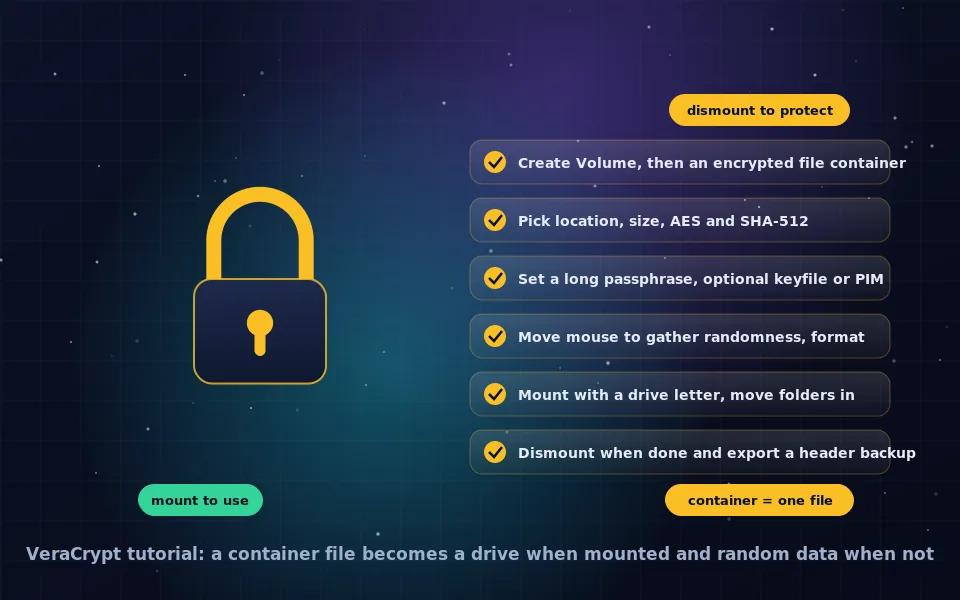
- File containers. An encrypted file of any size you choose, stored on any drive, that mounts as a virtual disk. Move it, back it up or copy it to a USB stick like any file. The VeraCrypt tutorial on this site covers creating one.
- Encrypted partitions and drives. An entire partition, external drive or USB stick encrypted in place, appearing as unformatted space until mounted. The VeraCrypt USB guide covers this.
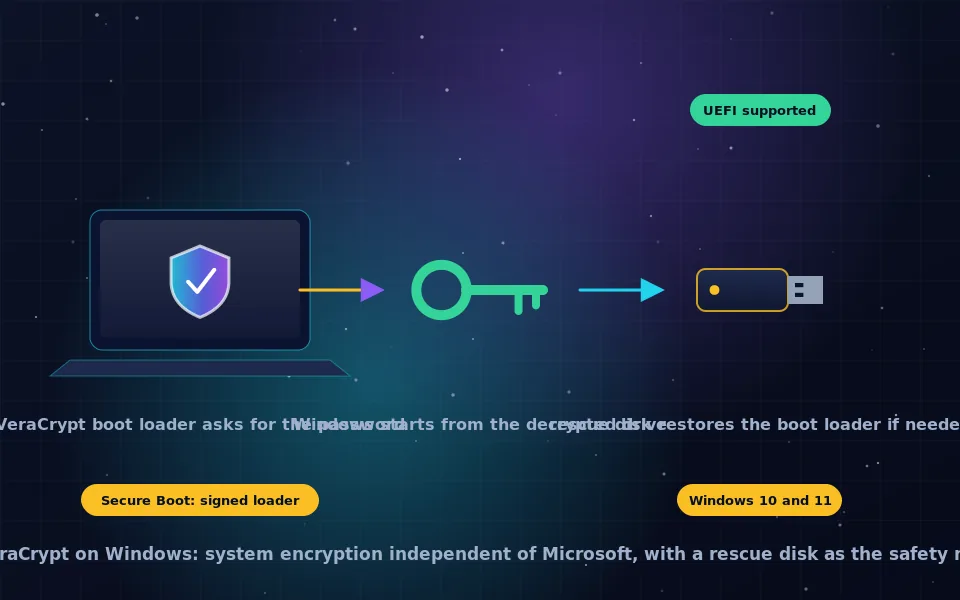
- System encryption. On Windows only, the partition or drive Windows runs from, with a VeraCrypt boot loader that asks for the password before Windows starts. The VeraCrypt Windows guide covers it; macOS and Linux system drives use FileVault and LUKS, described in their own guides.
Once mounted, a volume behaves as an ordinary drive. Files saved to it are encrypted as they are written and decrypted as they are read, transparently, with no need to encrypt individual files. Dismounting the volume, or shutting down, leaves only ciphertext indistinguishable from random data.
How VeraCrypt works
The mechanism follows the disk encryption model described in the full disk encryption guide on this site.
- When you create a volume, VeraCrypt generates a random master key, gathering entropy from your mouse movements among other sources, and fills the volume with random data so that used and unused space are indistinguishable.
- The master key is encrypted with a key derived from your password, and optionally from key files, using PBKDF2 with a hash such as SHA-512 or Whirlpool and a high iteration count, hundreds of thousands by default. The PIM feature lets you raise or lower that count. The encrypted master key is stored in the volume header, which itself looks like random data.
- Data is encrypted with your chosen cipher in XTS mode: AES by default, or Serpent, Twofish, Camellia, Kuznyechik, or a cascade of two or three ciphers applied in sequence. The AES-256 guide on this site covers the default; cascades protect against an unforeseen break in one cipher at a speed cost.
- Mounting means entering the password, letting VeraCrypt try to decrypt the header, and if the result is valid, loading the master key into memory and presenting the decrypted view as a drive.
- Dismounting wipes the key from memory.
A backup of the header is stored at the end of the volume, and VeraCrypt can restore a damaged header from it or from a file you export, which is why exporting a header backup is a step in the tutorial.
Is VeraCrypt safe?
Several lines of evidence support trusting it.
The source code is public on GitHub and has been for the project's whole life, so anyone can inspect the implementation, and many have. An independent security audit funded by a European public initiative examined VeraCrypt's code and cryptography and reported its findings publicly; the developer fixed the significant ones in the following release. The ciphers and modes are standard and well studied. The key derivation is deliberately slow, making password guessing expensive. The project has a long record of prompt updates in response to reported issues and operating system changes.
The caveats are the usual ones. VeraCrypt cannot protect a weak password; a short or reused password is the most likely way a volume is opened by someone else. It protects data at rest and does nothing once a volume is mounted, so malware on the machine reads mounted volumes freely. It is developed by a very small team, which is a resilience concern rather than a security one. And like any software, old versions may have known issues, so keep it updated.
Official website, source and verification
The official site is veracrypt.fr, operated by IDRIX. Downloads are also mirrored on the project's GitHub releases and on SourceForge, both linked from the official site. Releases are signed with the developer's PGP key and with code signing certificates on Windows and macOS, and the download page publishes hashes. Verify a download by checking its signature with GnuPG as the GPG guide on this site describes, or at minimum by comparing the hash. VeraCrypt is a common target for impersonation, and installing it from an unrelated download site is how people end up with modified software. Reference material about VeraCrypt, including its history, appears on Wikipedia, and the project's own documentation is on its website.
Hidden volumes and plausible deniability
VeraCrypt can create a hidden volume inside the free space of an ordinary volume, with its own password. Because the free space is filled with random data, the hidden volume's existence cannot be proven. Enter the outer password and the outer volume mounts with its decoy contents; enter the hidden password and the hidden volume mounts instead. Windows system encryption extends this to an entire hidden operating system. The feature exists for situations where someone can compel you to reveal a password, and using it correctly requires care, since writing to the outer volume can overwrite the hidden one unless VeraCrypt is told to protect it. The tutorial on this site explains the setup.
Where VeraCrypt fits
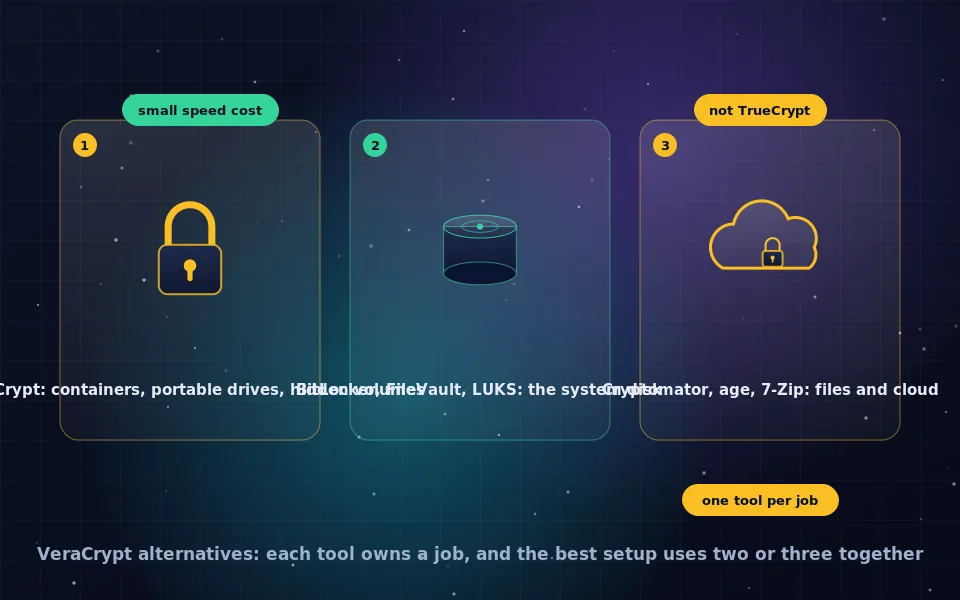
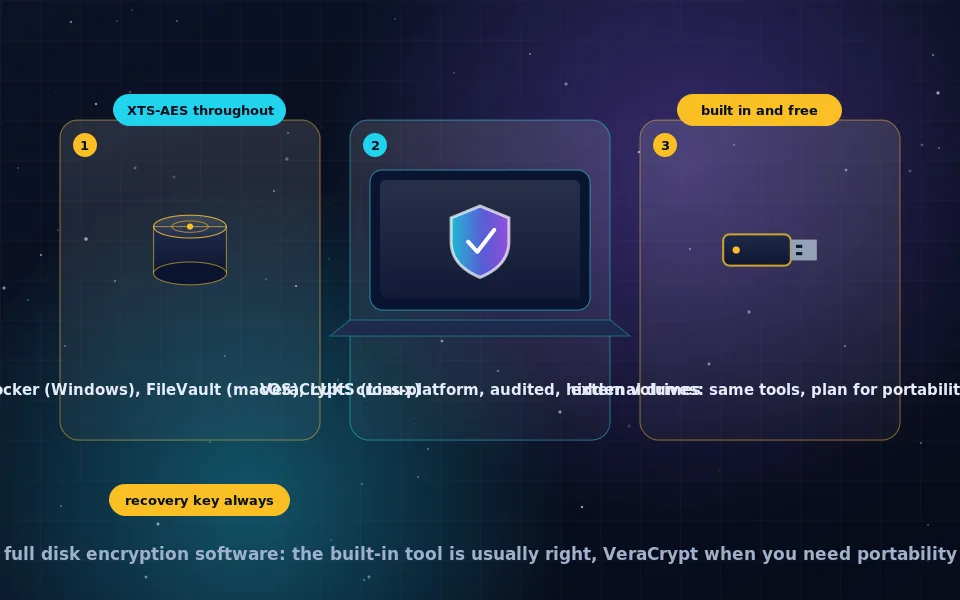
VeraCrypt is the right tool for an encrypted container of sensitive files, for external drives and USB sticks that move between operating systems, for Windows system encryption independent of Microsoft, and for anyone who needs hidden volumes. For a computer's internal drive on macOS or Linux, FileVault and LUKS are the appropriate tools. For files that sync to the cloud, per-file tools such as Cryptomator work better than containers, as the cloud guide on this site explains. For phones, VeraCrypt does not exist and the phone encryption guide lists alternatives. The VeraCrypt alternatives guide compares all of these.
A five-point summary
- VeraCrypt is free and open source, with no paid version.
- It encrypts containers, drives and Windows systems with AES-256 and other strong ciphers.
- It has been independently audited and actively maintained since 2013.
- Download only from veracrypt.fr or the linked official mirrors, and verify the signature.
- Its security is your password's strength plus keeping the software current.
What the audit and the security community say
The assessment above follows the public audit report, the project's own documentation and community evaluation.
The independent audit of VeraCrypt reported that the software had no backdoors, identified a number of vulnerabilities of varying severity, and noted that the developer addressed the critical and high-severity findings in a subsequent release.
The VeraCrypt project documents its cipher options, XTS mode, PBKDF2 key derivation with configurable iteration counts, header backups, hidden volumes and the platforms it supports, and publishes signatures for every release.
Security practitioners describe VeraCrypt as the standard recommendation for cross-platform and container encryption, comparable in strength to operating system disk encryption, with the advantages of being auditable and vendor independent and the caveat that its protection ends when a volume is mounted.
Trust it for what it is
VeraCrypt is a mature, audited, free tool that turns a file or a drive into something no one can read without your password. Get it from the official site, verify it, choose a long passphrase, and the tutorial on this site will have your first encrypted container mounted in a few minutes.
Frequently asked questions
What is VeraCrypt?
VeraCrypt is free, open-source disk encryption software for Windows, macOS and Linux. It creates encrypted containers that mount as virtual drives, encrypts whole partitions and USB drives, and can encrypt a Windows system drive with pre-boot authentication. It is the maintained successor to TrueCrypt.
Is VeraCrypt safe and secure?
Yes, by the evidence available. Its code is open, it underwent an independent audit that found and led to fixes for several issues, it uses AES-256 and other strong ciphers with slow key derivation, and it has been actively maintained for over a decade. Its security depends on your passphrase and on keeping the software updated.
Is VeraCrypt free?
Yes, completely. It is released under the Apache License 2.0 and the TrueCrypt License 3.0, with no paid tiers, subscriptions or feature limits. Donations support development. Any site charging for VeraCrypt or offering a premium version is not the project.
How does VeraCrypt work?
You create a volume, either a file of a chosen size or a whole partition, filled with random data and encrypted with a key derived from your password through hundreds of thousands of hash iterations. Mounting the volume with the password presents it as a normal drive; everything written is encrypted on the fly, and dismounting returns it to unreadable data.
Where is the official VeraCrypt website and source code?
The official website is veracrypt.fr, maintained by the developer IDRIX, and the source code is on GitHub under the veracrypt organisation. Downloads from the official site are signed, and the project publishes signatures and hashes for verification. Third-party download sites should be avoided.
Last reviewed and updated on . Plain text version: /encryption/what-is-veracrypt.txt.