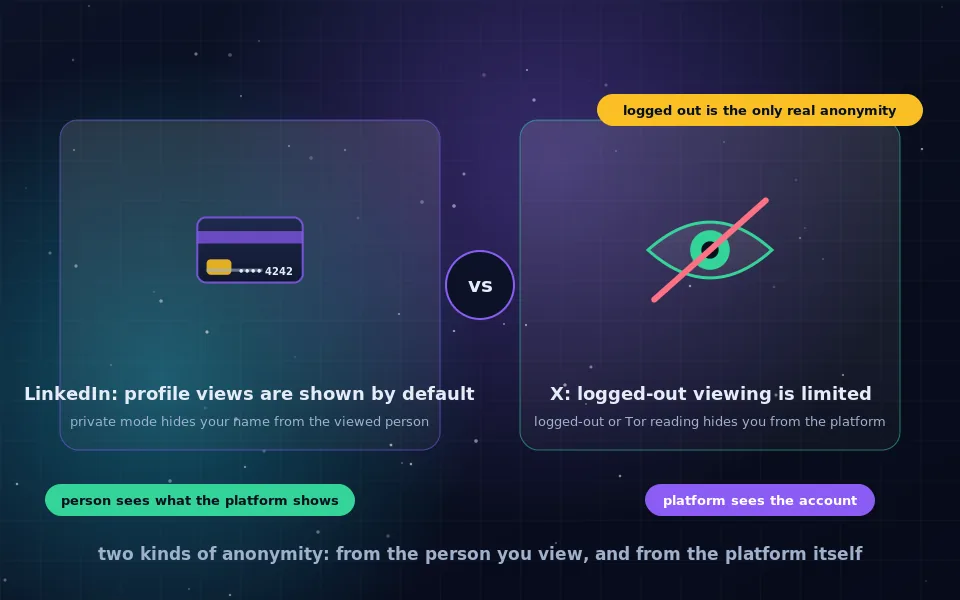
Anonymous LinkedIn browsing has two meanings that need separating. LinkedIn's private mode hides your name from the people whose profiles you view, while LinkedIn itself continues to record every profile you open; the only way to be anonymous to LinkedIn is to view public profiles logged out, through Tor Browser. X, formerly Twitter, does not show individual viewers to anyone, but it restricts what can be seen without an account, so anonymous X browsing is a question of how much you can reach while logged out.
People want to look at profiles and posts without leaving a trace for ordinary reasons: researching a company before an interview, checking a contractor, following public discussion without joining it, or keeping a professional identity separate from a personal interest. This guide explains what each platform reveals and to whom, how to use LinkedIn's private mode and what it costs, what X allows logged out, how to read either platform anonymously with Tor, and the mistakes that link an anonymous session to your real account.
Two kinds of anonymity on social platforms
On any platform there are two observers.
The other user sees whatever the platform chooses to show them about you. On LinkedIn, that is your profile view unless you hide it. On X, nothing about individual viewers.
The platform sees everything a logged-in account does, tied to that account, plus the IP address, device and browser used. Privacy settings change what other users see. They never change what the platform records.
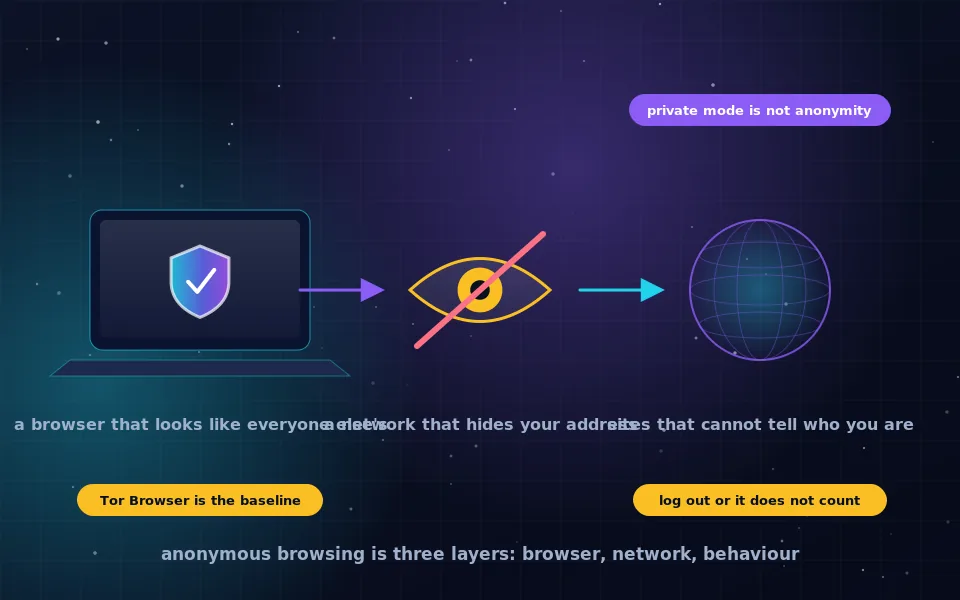
Being anonymous to another user is a setting. Being anonymous to the platform requires not being logged in, or being logged in as an account the platform cannot connect to you, accessed through Tor. Decide which you need before changing anything.
LinkedIn: profile views and private mode
LinkedIn is built around visibility, and its default is to tell people who viewed their profile. When you open someone's profile while logged in, your name, headline and photo appear in their "who viewed your profile" list and often in a notification.
LinkedIn offers three visibility options in its settings, under profile viewing options.
- Full visibility. Your name and headline are shown. The default.
- Semi-private. The viewed person sees only general characteristics, such as "someone in the software industry at a mid-sized company", without your name.
- Private mode. The viewed person sees only "LinkedIn member".
The cost is symmetrical: in private or semi-private mode, you also lose the ability to see who viewed your profile unless you have a paid subscription. LinkedIn also applies the setting to profile views only; your reactions, comments, connection requests and messages still carry your name.
Private mode does exactly what it says and no more. LinkedIn records the view against your account as usual, and if you later connect or message, the person can infer you were the anonymous viewer.
Viewing LinkedIn without an account
Public LinkedIn profiles can be viewed while logged out, though LinkedIn limits how many you can see before demanding a login and hides parts of profiles from logged-out visitors. Viewing logged out, the person sees nothing, because there is no account to show them. LinkedIn sees an anonymous visitor at your IP address.
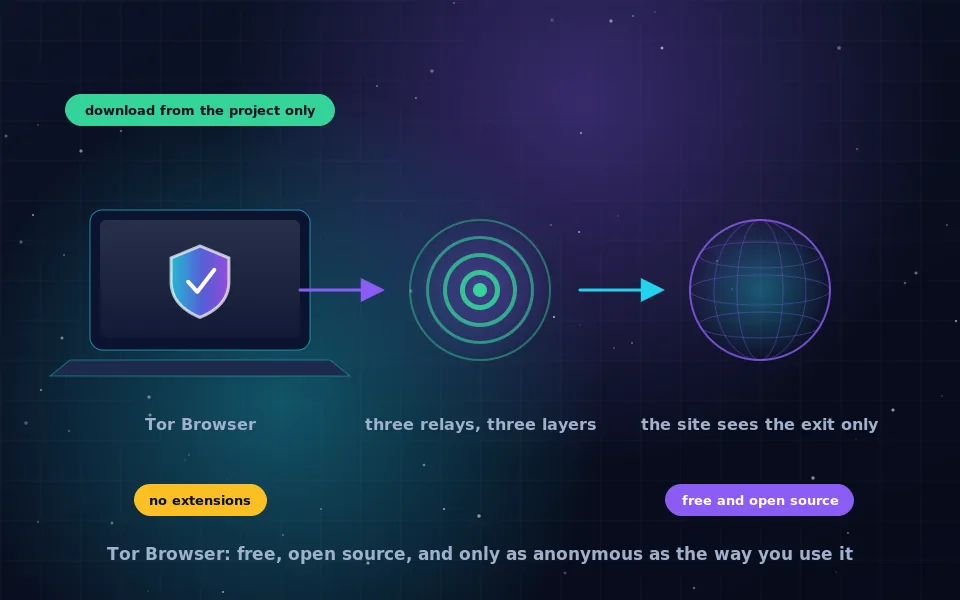
To be anonymous to LinkedIn as well, view logged out in Tor Browser. LinkedIn sees a visitor from a Tor exit. Expect more login walls and occasional blocks, and use a search engine to find the profile URL first, because LinkedIn's own search is heavily restricted when logged out. Do not, in the same Tor Browser session, log in to any LinkedIn account; that links the visitor to the account.
X: what is visible without logging in
X does not reveal who viewed a profile or a post to other users; view counts are totals with no names. Reading X while logged in is therefore already anonymous to other users, and the only observer is X itself.
X has progressively restricted logged-out access. As of recent changes, individual posts opened by direct link are often viewable without an account, while profile timelines, search, replies and trending content are largely locked. This changes frequently. Third-party front-ends that present X content without an account exist and are periodically blocked or broken as X alters its systems, so their usefulness varies week to week. Search engines still index many posts, so a web search for a phrase can surface a post whose direct link then loads.
For anonymous X browsing, this means: open direct links to posts and profiles in Tor Browser while logged out, accept that you will hit login walls, and use a search engine as your index rather than X's own search.
Using a separate account
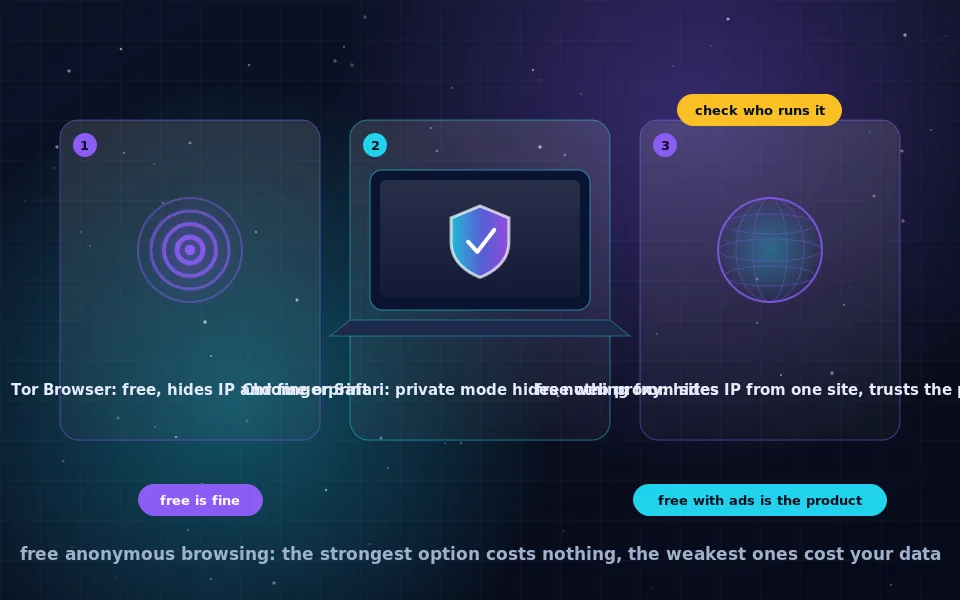
If you need more than logged-out viewing allows, a separate account is the alternative. Its anonymity depends entirely on how it is created and used. Both platforms require phone or email verification and both link accounts that share a device, browser, IP address or contact details. An account created and used only through Tor Browser, with an anonymous email address from the guide on this site and no phone number of yours, is difficult to link. A single login from your phone, your normal browser, or your home connection without protection can connect it to your real account through shared signals. Be aware that both platforms restrict or challenge accounts created over Tor, and that a separate professional account on LinkedIn under a false identity may breach its terms.
A six-point checklist for reading either platform anonymously
- Decide whether you need to hide from the other user, from the platform, or both.
- For LinkedIn and hiding from the other user only, switch to private mode in your account's profile viewing options and accept losing your own viewer list.
- For hiding from the platform, log out completely and use Tor Browser.
- Find profile and post URLs through a search engine rather than the platform's own search, which is restricted for logged-out visitors.
- Never log in to any account on the platform in the same Tor Browser session.
- Do not follow, react, message or connect from an anonymous session; every interaction carries an identity.
What the platforms and privacy researchers state
The behaviour described here comes from the platforms' own documentation and from observations of how they operate.
LinkedIn's help pages describe the three profile viewing options and state explicitly that choosing private or semi-private mode disables your own "who viewed your profile" list on free accounts.
X's help documentation confirms that it does not show individual profile or post viewers to users, and its recent policy changes restricting logged-out access have been widely documented by users and technology press.
Privacy researchers who study account linking on large platforms have shown that shared devices, browser fingerprints, IP addresses and contact details are used routinely to associate accounts for security and advertising, which is why an anonymous account is only anonymous while it shares none of those with your real one.
Read without leaving a trace, deliberately
For LinkedIn, set private mode today if you would rather people not see your visits, and use Tor Browser logged out for the profiles where the platform itself must not know. For X, keep a search engine handy and open direct links in Tor Browser. Whatever you do, keep the anonymous session and your real account in different browsers, always, because that boundary is the one that matters.
Frequently asked questions
Can I browse LinkedIn anonymously?
Partly. LinkedIn's private mode stops the people whose profiles you view from seeing your name, though it also hides from you who viewed your profile unless you pay. LinkedIn itself still records everything you do while logged in. Viewing public profiles while logged out, through Tor Browser, is the only way to be anonymous to LinkedIn as well.
Does LinkedIn tell people when I look at their profile?
By default, yes. Profile viewers appear in the other person's notifications with your name and headline unless you have switched to private mode or the semi-private option that shows only general characteristics such as job title and industry.
Can I view X (Twitter) anonymously without an account?
Only partially. X restricts logged-out viewing: individual posts may be visible when linked directly, but timelines, search and replies are largely locked behind a login. Third-party front-ends that display X content without an account exist but are frequently blocked or break as X changes its systems.
Does X show who viewed my profile or posts?
No. X does not show individual viewers of profiles or posts to users. View counts on posts are aggregate numbers. X itself, however, records what each logged-in account views.
Can the platform identify me if I use a separate anonymous account?
It can link accounts that share a device, browser, IP address or phone number. An anonymous account created and used only through Tor Browser, with no shared details, is much harder to link, but a single login from your normal browser or phone can connect it to your real account.
Last reviewed and updated on . Plain text version: /anonymity/anonymous-linkedin-x-browsing.txt.