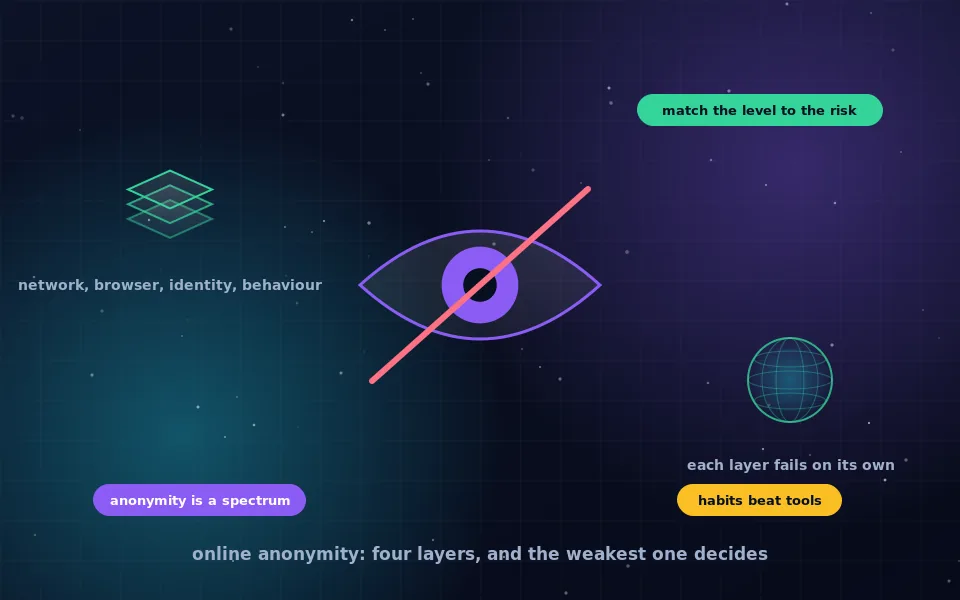
To be anonymous online, you need to prevent every party you care about from linking your actions to your real identity, which means hiding your network address, making your browser indistinguishable from others, using identities that share nothing with your real one, and controlling what you reveal through behaviour and writing. Tor Browser handles the first two; the last two are habits, and they are where most people who try to be anonymous fail.
Online anonymity is often described as either impossible or as something a single product provides. Neither is true. It is a spectrum, and where you sit on it depends on which layers you have addressed and who is trying to identify you. This guide sets out what digital anonymity means, the four layers it rests on, how to judge the level you need, a plan for each level, and the comparison with real-life anonymity that makes the online version easier to understand.
What online anonymity means
Anonymity is a relationship between you and an observer. You can be anonymous to a website but not to your internet provider, anonymous to both but not to a government with broad surveillance capability, anonymous to strangers but not to a company that already has your account. Saying "I am anonymous" without saying "to whom" is the first mistake.
The second is confusing anonymity with privacy. Privacy means others cannot see what you do; anonymity means they can see it but cannot tell it is you. Encryption gives privacy. Anonymity requires that the thing being observed carries no link to you. A VPN gives you privacy from your ISP and shifts the observer to the VPN provider; it does not give anonymity, because the provider knows who you are.
Digital anonymity, then, means that the parties you are concerned about cannot connect your online actions to your real identity. The rest of this guide is about how those connections form and how to prevent them.
The four layers
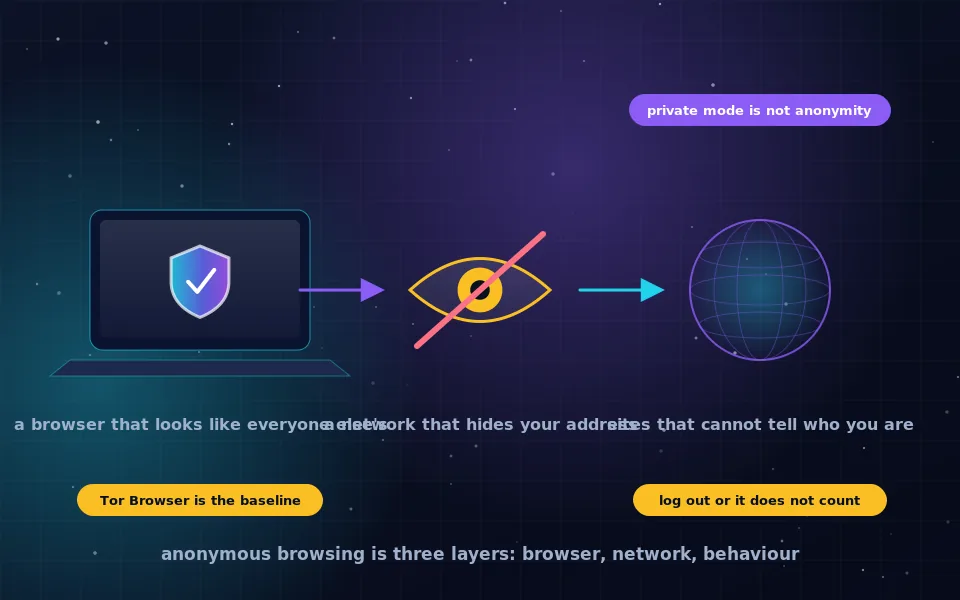
Every identification happens through one of four layers, and anonymity requires all four to hold.
Network. Your IP address identifies your connection and approximate location, and your network sees where you connect. Tor hides both; a VPN hides them from sites and your ISP but not from the VPN provider.
Browser and device. Your browser fingerprint identifies your browser across sites regardless of address; your phone's identifiers identify the device. Tor Browser makes browsers uniform; devices are harder, which is why laptops beat phones for anonymity.
Identity. Accounts, email addresses, phone numbers and payment methods link an action to a name. Anonymity requires identities created and used only through the anonymous channel and sharing nothing with your real ones.
Behaviour. What you write, when you are active, what you know, and the mistakes you make link an anonymous identity to a person. No tool addresses this layer; only discipline does.
A failure in any one layer defeats the others. Tor Browser with a personal login is identified through identity. A perfect anonymous account used from your home connection without Tor is identified through network. A flawless technical setup that reveals your job, city and schedule is identified through behaviour.
Judging the level you need
Match effort to the observer.
- Level one: advertisers and casual tracking. Privacy browser, tracker blocking, private search, separate email aliases. You are not anonymous, and you do not need to be.
- Level two: the websites you visit and your network. Tor Browser, logged out of personal accounts, for the browsing you want unlinked. This is what most people mean by anonymous online, and it is achievable in an afternoon.
- Level three: a motivated party who could obtain records. Everything in level two plus fully separated identities with anonymous email and payment, no reuse of usernames or phrasing, attention to timing, and ideally Tails or Whonix so that the system itself cannot leak.
- Level four: a well-resourced adversary with broad network visibility. Tor's own limits apply, and anonymity depends on not being singled out for targeted attention. This level is the domain of specialists and specific advice, and anyone at it should seek help from organisations that support at-risk people.
Most readers are at level two and can reach it today. Levels three and four are for people who know they need them.
A plan for strong online anonymity: nine steps
For level two moving toward three, in order.
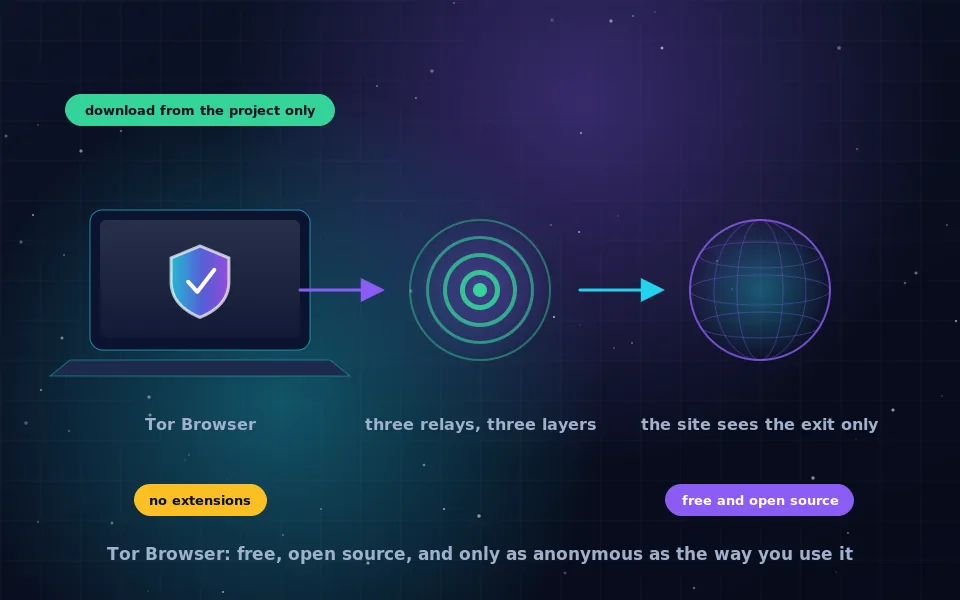
- Install Tor Browser from the Tor Project and use it, unmodified, for everything you want unlinked. Keep your everyday browser for your everyday life.
- Never log in to a personal account in Tor Browser, and never use your anonymous identities in your everyday browser.
- Create an anonymous email address over Tor, as the guide on this site describes, for any signups the anonymous identity needs.
- Choose usernames, display names and passwords for the anonymous identity that you have never used anywhere else.
- Do not tell the anonymous identity anything about your real life: no job, city, age, family, hobbies or schedule. Write plainly and briefly.
- Be aware of timing. Being active as the anonymous identity at the same moments you are active as yourself, on the same network, creates a correlation.
- Do not open downloaded files while connected, and clean metadata from anything you upload, using the tools described in the metadata guide.
- For higher stakes, move to Tails for anything the anonymous identity does, so that no trace remains and nothing can leak around Tor.
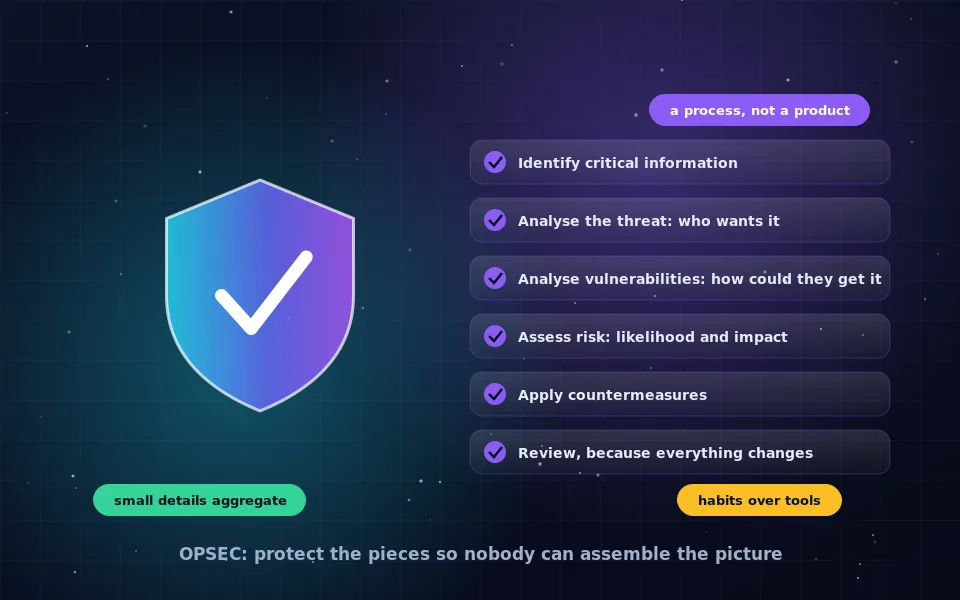
- Review the OPSEC guide on this site and, once a month, ask what a stranger could learn about you from the anonymous identity's public trail.
The Hitchhiker's Guide and where to go deeper
Readers who search for the hitchhiker's guide to online anonymity are looking for a well-known community-maintained document that covers this subject at great length, from threat modelling to hardware to the creation of separate identities. It is thorough and technical, and most of it is aimed at level three and above. This guide is the shorter path in; if you reach the point where you need the longer one, you will know, and the operating system guides on this site for Tails, Whonix and Qubes cover the same ground in the areas where those tools apply.
Anonymity online versus in real life
People ask how to be anonymous in real life as a way of understanding the online version, and the comparison is useful. In person, your identifiers are your face, your voice, your name and your documents, and most observation is local and forgotten. Anonymity in real life means not presenting those identifiers: a cash purchase, a crowd, an unrecognised place.
Online, identifiers are technical and observation is recorded permanently and correlated automatically. What would be a forgettable glance in a shop is a log entry that can be joined to every other log entry. That is why online anonymity requires more deliberate separation, and why the principle is the same: the anonymous self must present nothing that belongs to the real self, and must not be seen alongside it.
What researchers and trainers have found
The layered picture above matches how anonymity actually fails in documented cases.
Digital-rights organisations that assist people who have been identified online report that logins to personal accounts, reused usernames and email addresses, and personal details disclosed in content account for the large majority of cases, with the network layer rarely the cause.
Anonymity researchers describe the anonymity set, the crowd of users you are indistinguishable from, as the real measure of protection, which is why Tor Browser's millions of identical users matter and why anything that makes you distinctive within that crowd weakens you.
Security trainers who teach at-risk groups prioritise habits over tools, on the observation that a person with good separation habits and a basic tool is safer than a person with a sophisticated tool and careless habits.
Start with one separation
Install Tor Browser, and from today keep the browsing you want unlinked in it and your identities out of it. That is the first layer and the first habit, and everything else in the anonymity section of this site builds on it. Anonymity online is not a state you achieve once; it is a boundary you keep, and it gets easier the longer you keep it.
Frequently asked questions
What does digital anonymity mean?
Digital anonymity means that your online actions cannot be linked to your real identity by the parties you are concerned about. It is relative: anonymous to a website, to your internet provider, or to a government are different claims requiring different measures.
How can I be completely anonymous online?
Complete anonymity against every possible observer is not achievable, but strong anonymity against realistic ones is. Use Tor Browser or an anonymity operating system, create identities that share nothing with your real one, never log in to personal accounts, and control what you reveal in what you write and when.
Is a VPN enough to be anonymous online?
No. A VPN hides your IP address from websites and your browsing from your network, but the VPN provider sees both, your browser fingerprint is unchanged, and any login identifies you. A VPN is a privacy tool; Tor and separated identities are anonymity tools.
How is being anonymous online different from being anonymous in real life?
Online, the identifiers are technical, such as IP addresses, device IDs and accounts, and the observers keep permanent records. In real life, identifiers are your face, your name and your documents, and observation is mostly local and temporary. Both depend on not creating links between the anonymous self and the real one.
Where should a beginner start?
Install Tor Browser and use it for the browsing you want unlinked, logged out of everything. Create one anonymous email address for any signups that need one. That alone puts you ahead of most people; the rest of the layers can be added as your needs grow.
Last reviewed and updated on . Plain text version: /anonymity/how-to-be-anonymous-online.txt.